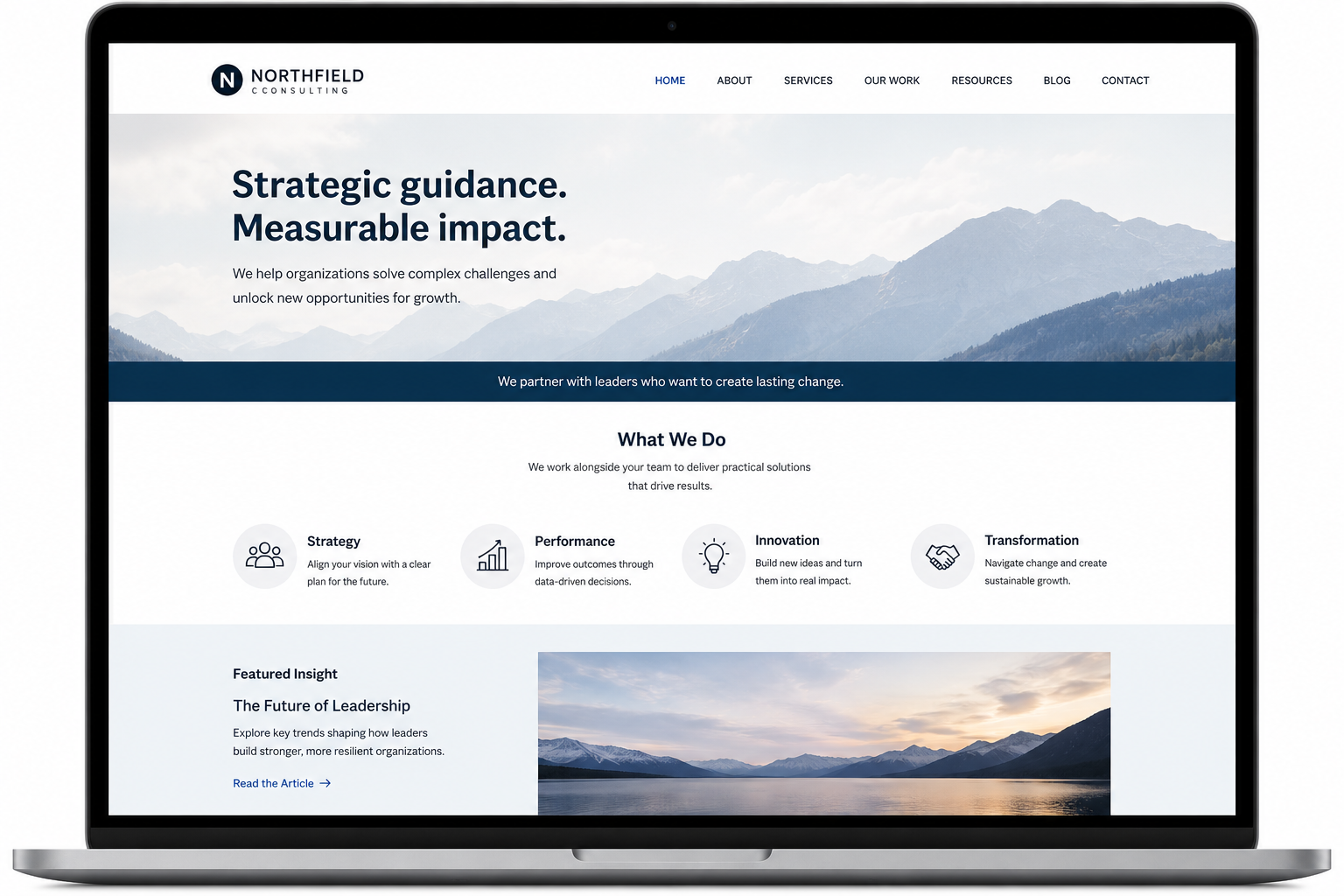
Turn More Traffic Into Leads: Why Visitors Aren't Reaching Out
If visitors find your website but do not contact you, the issue likely lies in their experience after arrival, not in attracting traffic.
Many businesses believe that higher website traffic will lead to more inquiries. However, visitors from different sources may still leave without making contact.
When that happens, website elements may cause hesitation. Visitors may not understand your services, see their relevance, feel confident moving forward, or find the information they need quickly enough to decide.
Even a well-designed website can underperform if messaging, navigation, trust signals, mobile usability, or calls to action create uncertainty or friction. Addressing these issues encourages qualified visitors to engage, improves conversions, and increases the value of your existing traffic.
Below are some of the most common reasons visitors leave without reaching out.whether it's relevant to them, and what to do next
It is not clear what you do
Visitors quickly assess what your business does, its relevance to them, and their next step. If your homepage uses vague language, clever slogans, or internal jargon, they may struggle to identify your offerings.
Clear language is more effective. Your headline and supporting text should quickly explain what you offer, who it is for, and why it matters. When visitors understand this immediately, they are more likely to continue exploring.
The website talks more about you than about them
Your story, experience, and process matter, but visitors primarily want to know: Can you help me?
Ensure your content addresses the problems, needs, and situations your ideal clients face. When visitors see themselves in your messaging, they are more likely to view your services as relevant and take action.
The next step is not obvious
Interested visitors should not have to guess the next step. Unclear calls to action, too many competing buttons, vague labels like Learn More, or hidden contact information can all cause hesitation.
Each page should guide visitors to a logical next step, such as scheduling a consultation, requesting a quote, or submitting an inquiry. A clear path reduces friction and increases lead generation.
There is not enough proof
Before reaching out, visitors often seek reassurance that your organization is credible and capable. Testimonials, case studies, reviews, client logos, certifications, work samples, and relevant experience provide this confidence.
Do not hide this proof on a separate page. Place it near services, calls to action, and other decision points. Strong, relevant evidence reduces uncertainty and encourages visitors to act.
Important information is hard to find
Visitors are less familiar with your website than you are. They may want to know what services you offer, who you work with, pricing, how to contact you, or what happens after reaching out.
If these answers are buried, scattered, or hidden behind unclear labels, visitors may leave before finding them. Clear navigation, descriptive headings, and organized content make information easier to find and encourage qualified visitors to contact you.
The mobile experience creates friction
A website that works well on desktop may still frustrate users on a phone. Hard-to-read text, small tap targets, excessive or horizontal scrolling, crowded layouts, and slow-loading pages can all interfere with key tasks.
Review your website on a phone and complete key actions yourself. This often reveals issues that are easy to miss on a larger screen. Reducing mobile friction improves task completion and prevents visitors from abandoning the experience.
People are not ready yet
Not every visitor is ready to contact you immediately. Some are still researching, comparing options, or clarifying their needs.
Helpful content such as blog posts, guides, checklists, FAQs, process explanations, and pricing or timeline information can support visitors during this stage. This content reduces uncertainty, builds trust, and helps people feel prepared to reach out when ready.
_________
Next Steps
Increasing website traffic is not always effective. If visitors are not taking action, assess their on-site experience.
Issues with messaging, navigation, calls to action, mobile usability, or trust can hinder conversions. Improving these areas often increases value from existing traffic without requiring a full redesign.
Fegan Consulting identifies where visitors become confused, hesitate, or exit, and clarifies the path to contact.
Consider a UX audit to explore opportunities to enhance your website’s usability and overall experience.
Review your website experience
Your homepage is just one part of the experience visitors have with your website.
The Website Experience Snapshot is a free resource that helps you evaluate across nine areas of your website—from your homepage and navigation to conversion, mobile, accessibility, and the overall site experience. Use it to spot where visitors may be running into friction and where improvements could make the biggest difference.