Site-Wide Experience

Does the website behave consistently, predictably, and reliably across pages and interactions?

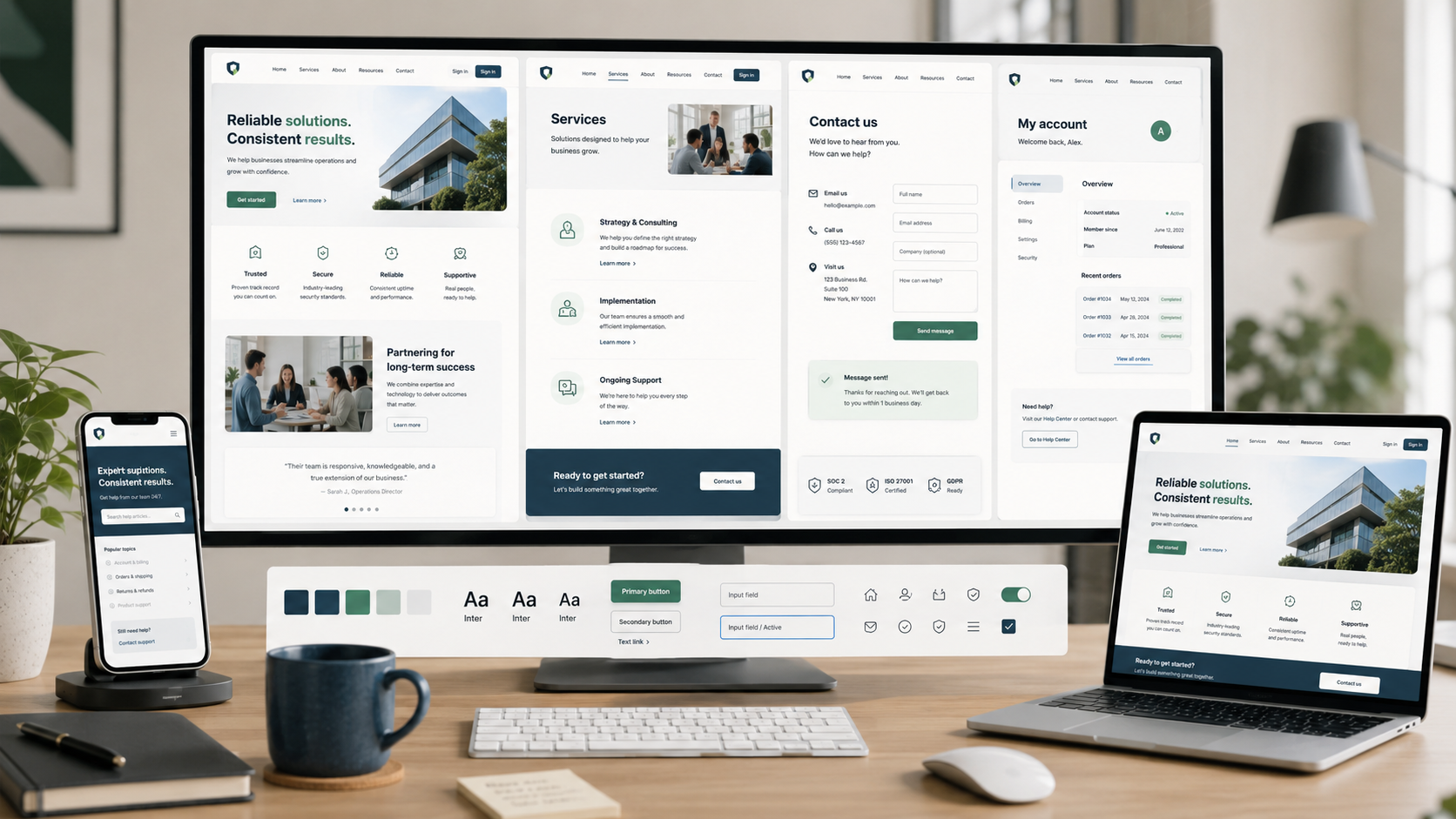
  • A workspace with a desktop computer, a laptop, and a smartphone all displaying a business website with sections for solutions, services, contact, and account information. The desk has a cup, a notebook, a pen, and a plant.

    Site-Wide UX Best Practices: Create a Consistent, Reliable, and Trustworthy Website

    A strong site-wide experience keeps pages consistent, information trustworthy, key tasks reliable, and next steps clear.

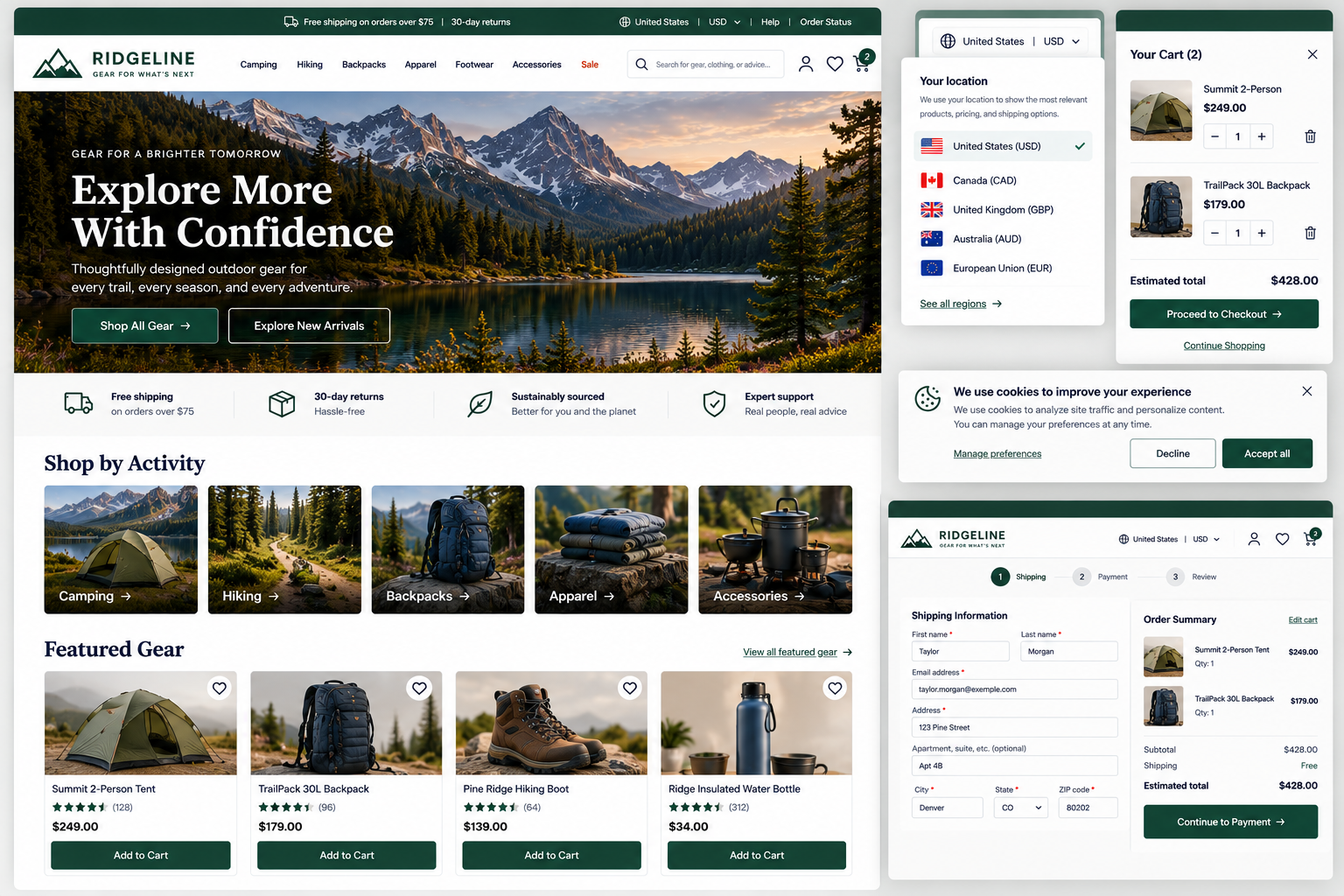
  • A screenshot of an outdoor gear shopping website called Ridgeline. It features a scenic mountain lake with snow-capped peaks, green trees, and a sunset sky. The page promotes exploring more outdoor gear, with categories like camping, hiking, backpacks, apparel, footwear, accessories, and a sale. The shopping cart contains a tent and a backpack, totaling $428. The checkout process, shipping information form, and a cookie consent popup are also visible.

    Website Consistency: Does Your Site Work the Way Visitors Expect?

    Evaluate whether visitors can learn how your website works and then rely on that understanding throughout the experience.

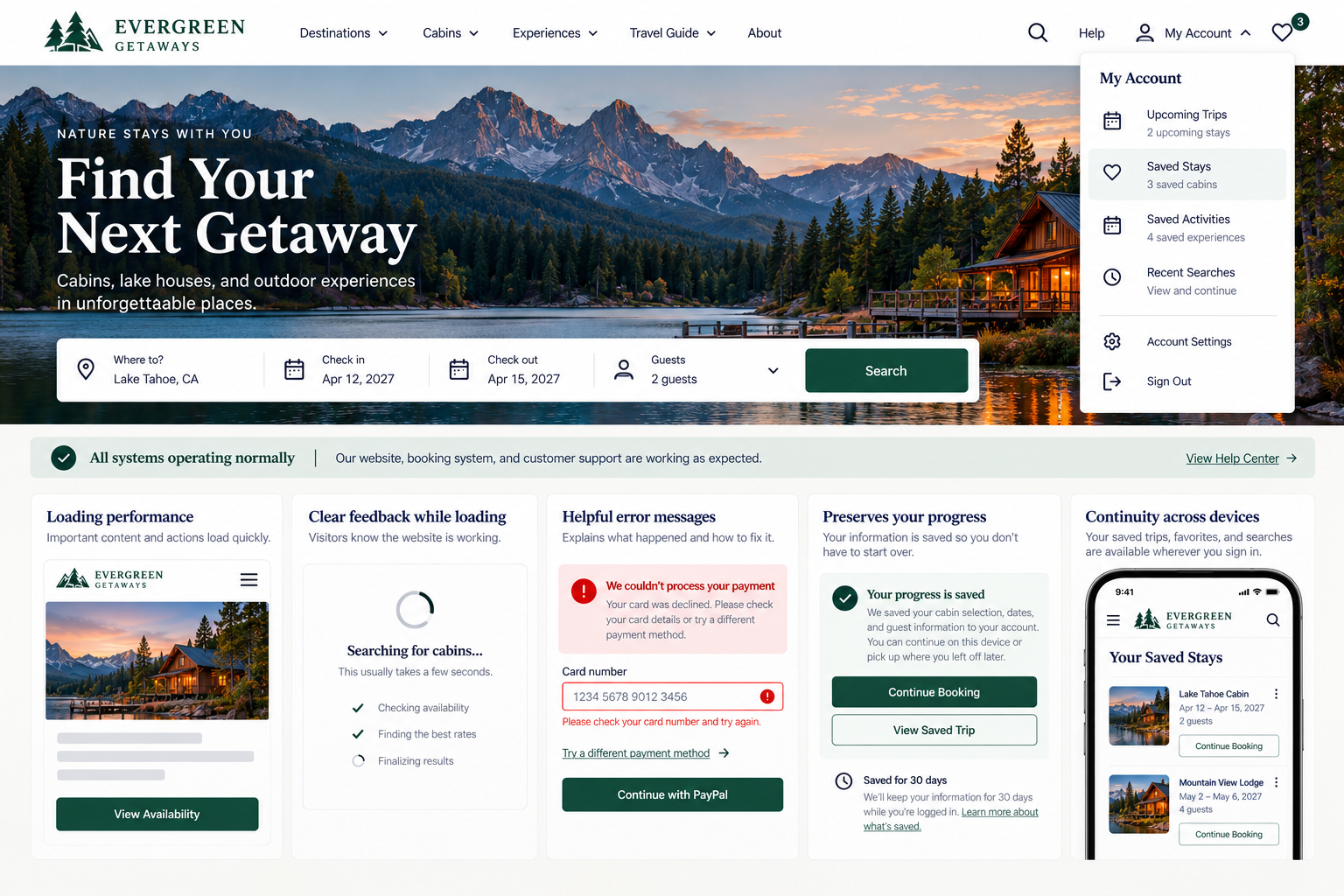
  • Screenshot of the Evergreen Getaways website homepage showing a scenic mountain and lake landscape with a cabin, mountains, and sunset sky. Overlay text promotes finding a next getaway with options for searches and bookings.

    Website Reliability: Help Visitors Complete Important Tasks

    Evaluate whether your website behaves reliably enough for visitors to access current information, complete important tasks, recover from problems, and preserve appropriate progress.

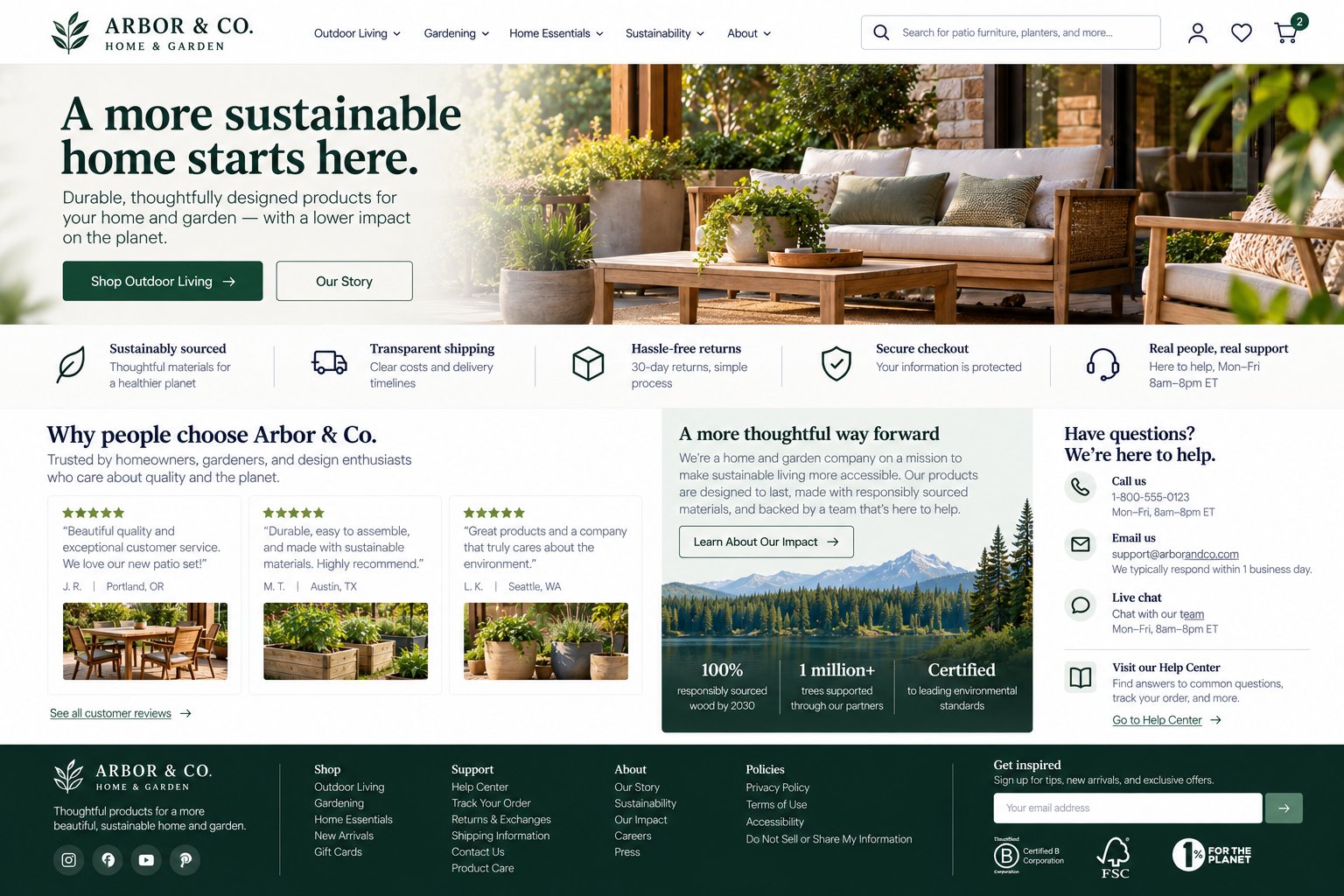
  • Screenshot of the Arbor & Co. home and garden online store homepage, featuring outdoor furniture set on a patio, with text highlighting sustainable products, shipping, returns, support, and company values.

    Website Credibility: What Makes Visitors Trust—or Distrust—a Site?

    Evaluate whether your website provides the transparency, evidence, control, and support information visitors need to make informed decisions.

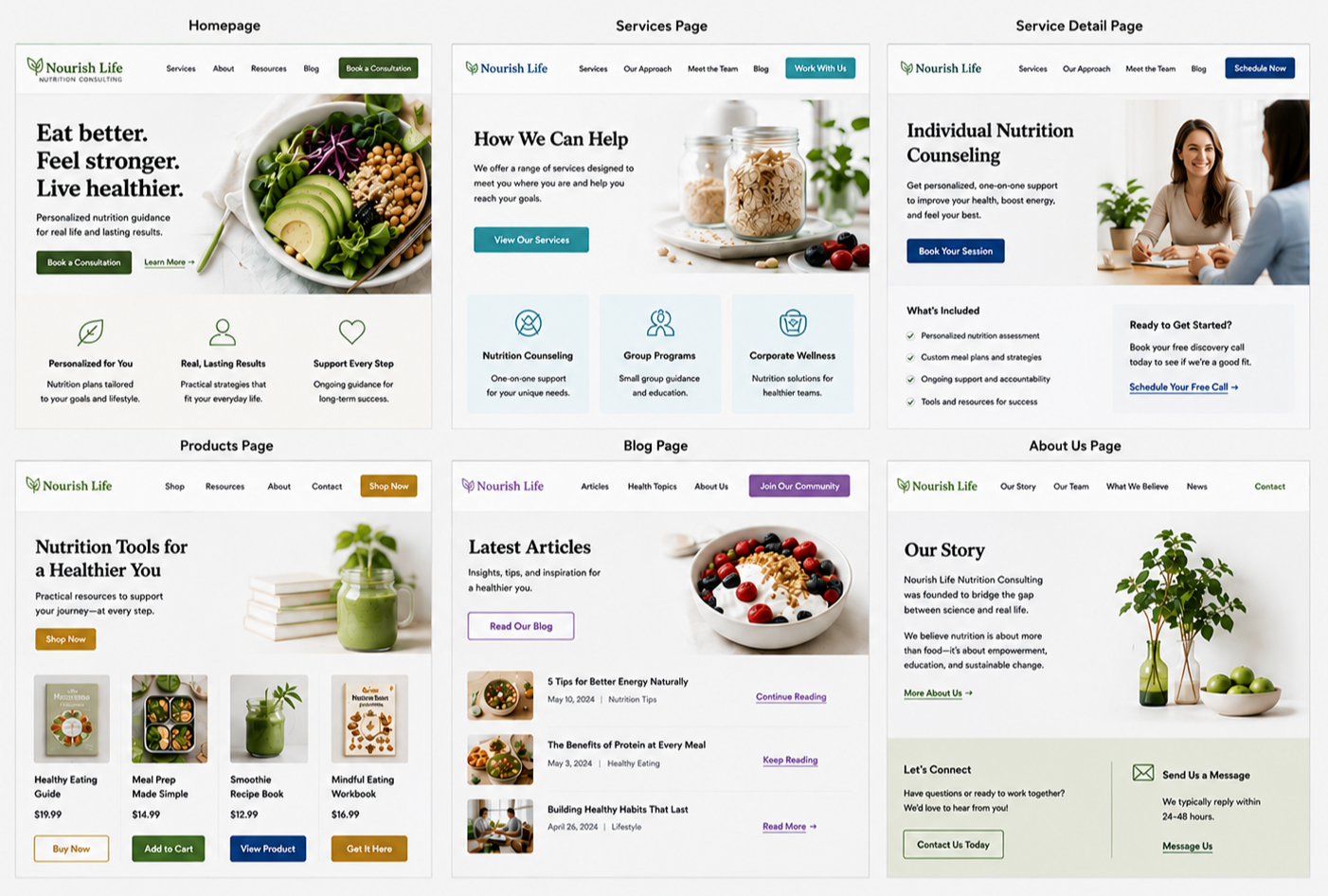
  • Screenshots of a nutrition consulting website with pages for homepage, services, service detail, products, blog, and about us. The pages feature information about health programs, articles, and contact options with images of healthy food and supplements.

    Maintain Consistent Design, Interaction Patterns, And Terminology

    Consistent design patterns eliminate confusion by creating a cohesive, predictable experience across every page of your website.

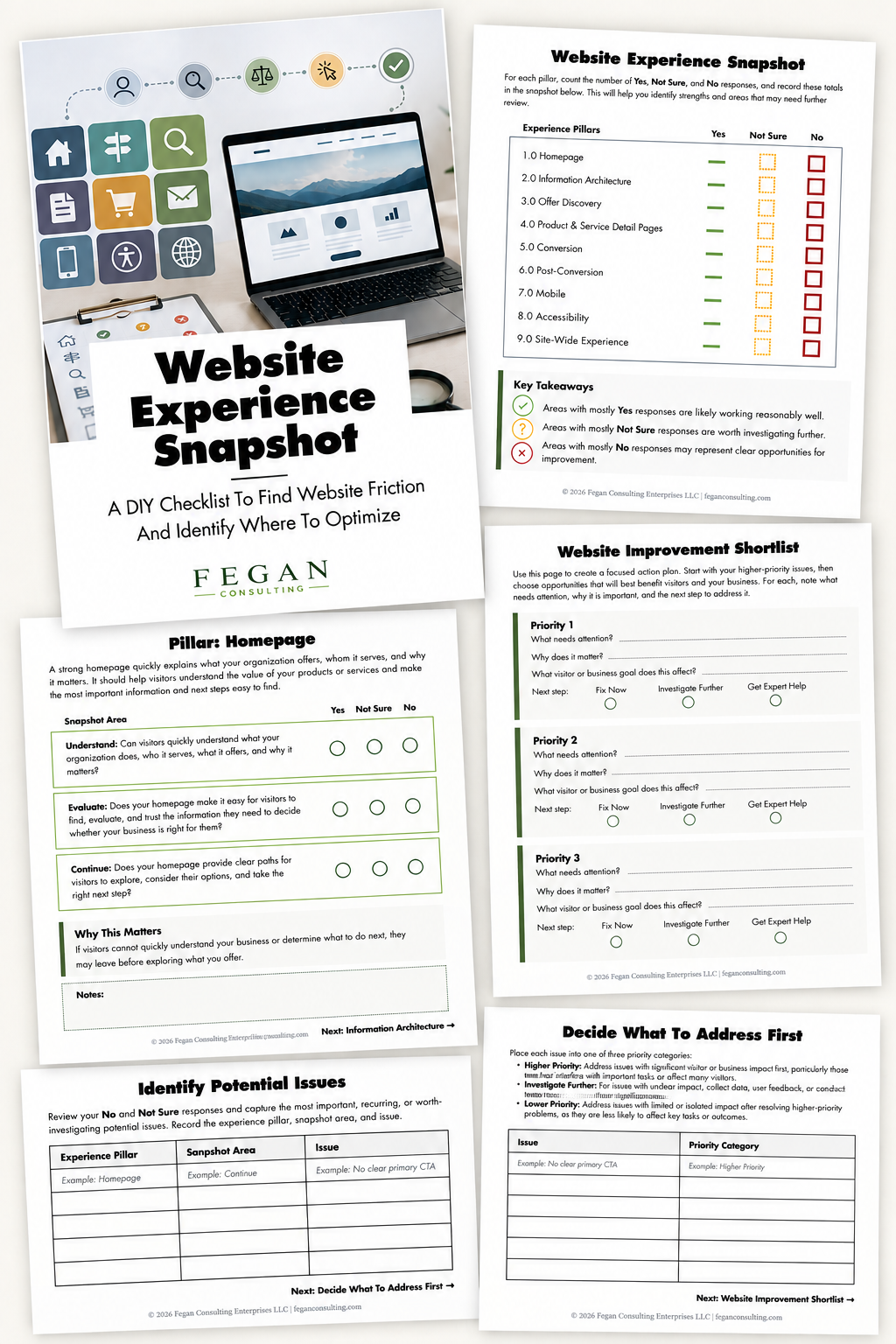
  • Multiple sheets of paper with a website experience assessment, a laptop showing a mountain landscape on the screen, colorful icons, charts, and checklists for website optimization and improvement.

    Free Resource: Website Experience Snapshot

    Check out this free resource that helps you evaluate 27 questions across nine areas of your website—from your homepage and navigation to conversion, mobile, accessibility, and the overall site experience.