Conversion Optimization
Can visitors complete an important action, such as purchasing, booking, applying, or contacting you, easily and successfully?
-
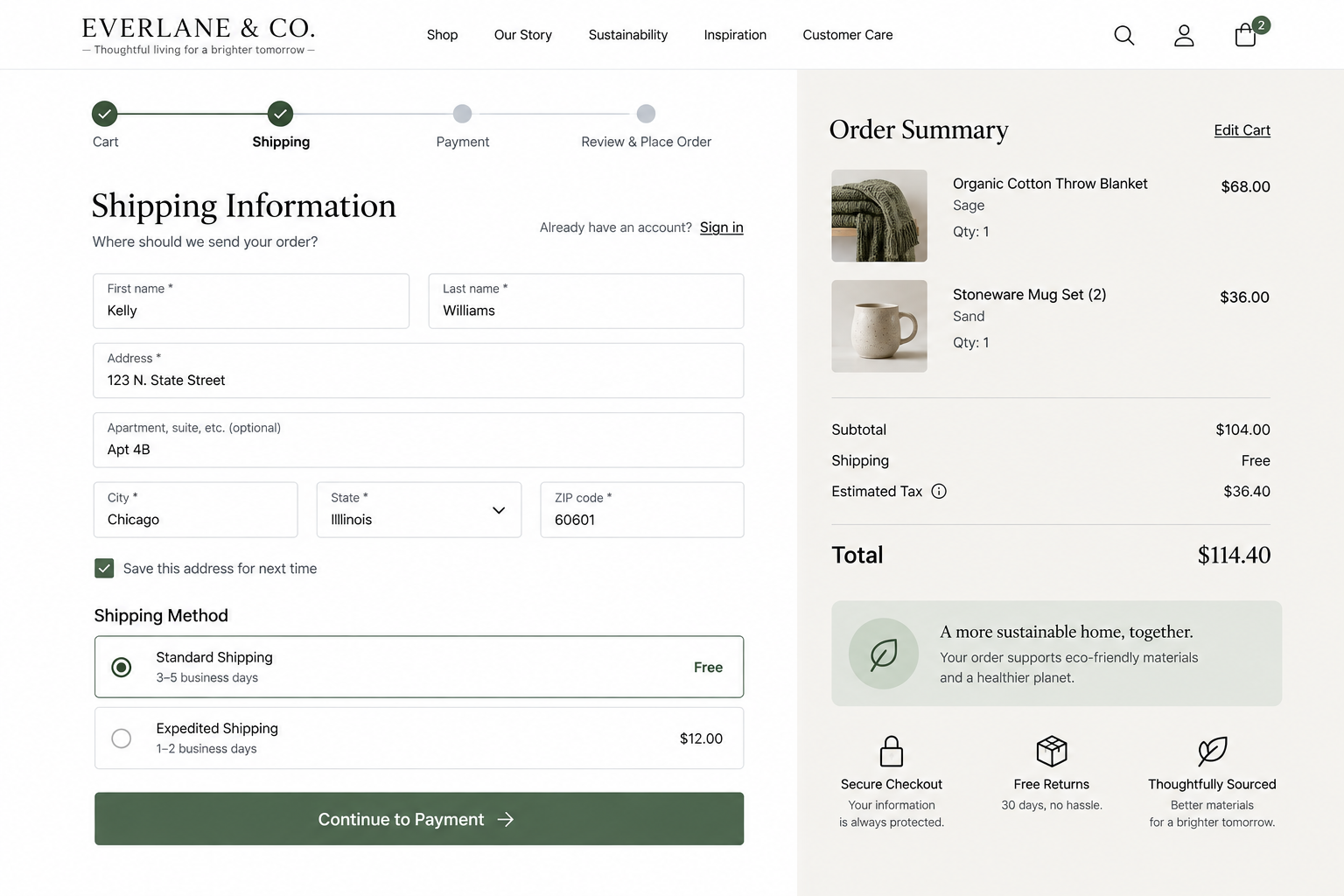
Conversion UX Best Practices: Help Visitors Complete Their Goal With Confidence
Once visitors decide to act, your website should make completing that action clear, straightforward, and predictable.
-
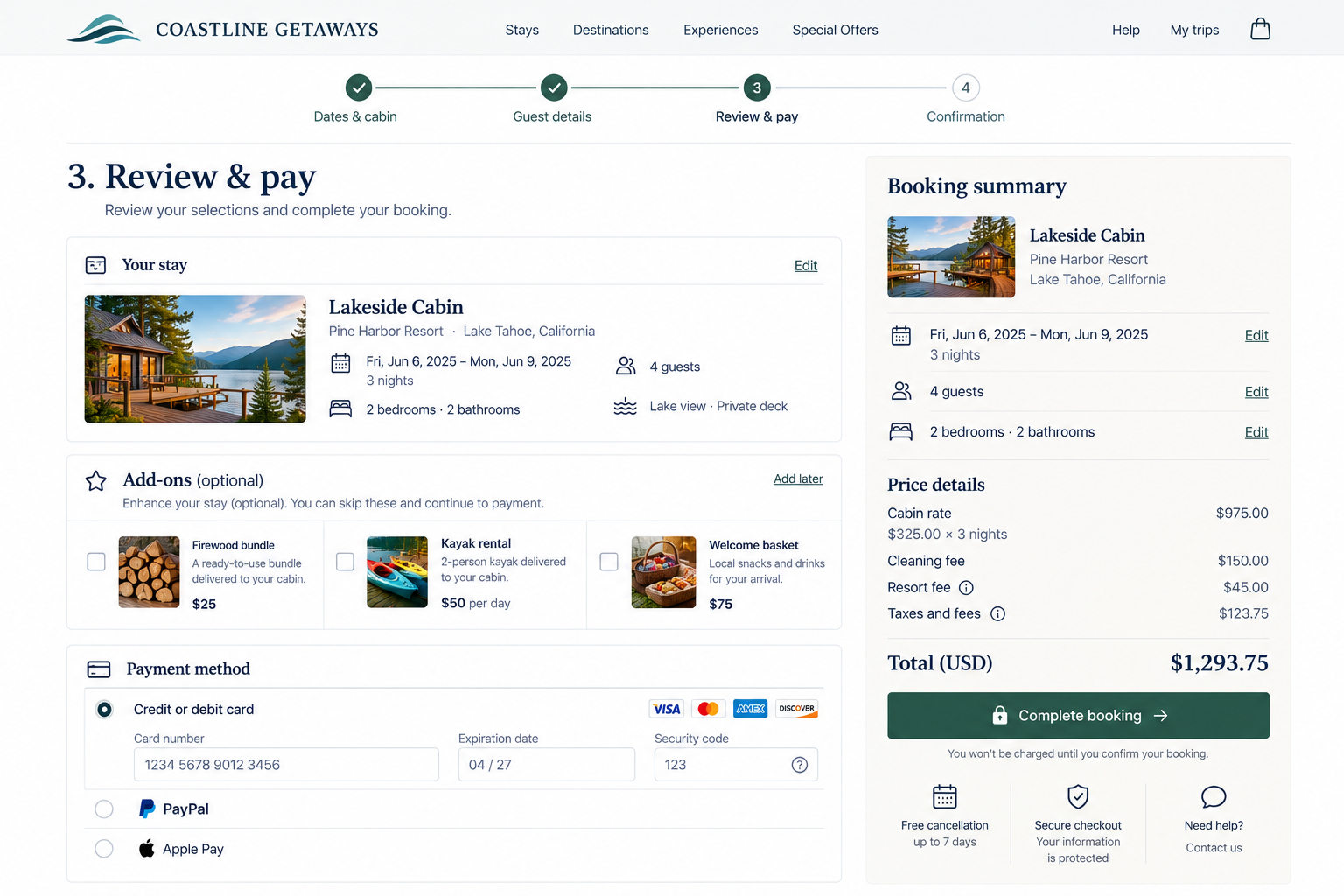
Conversion Flow UX: Help Visitors Complete the Process
Evaluate whether visitors can move through your website’s important conversion process efficiently and understand their progress.
-
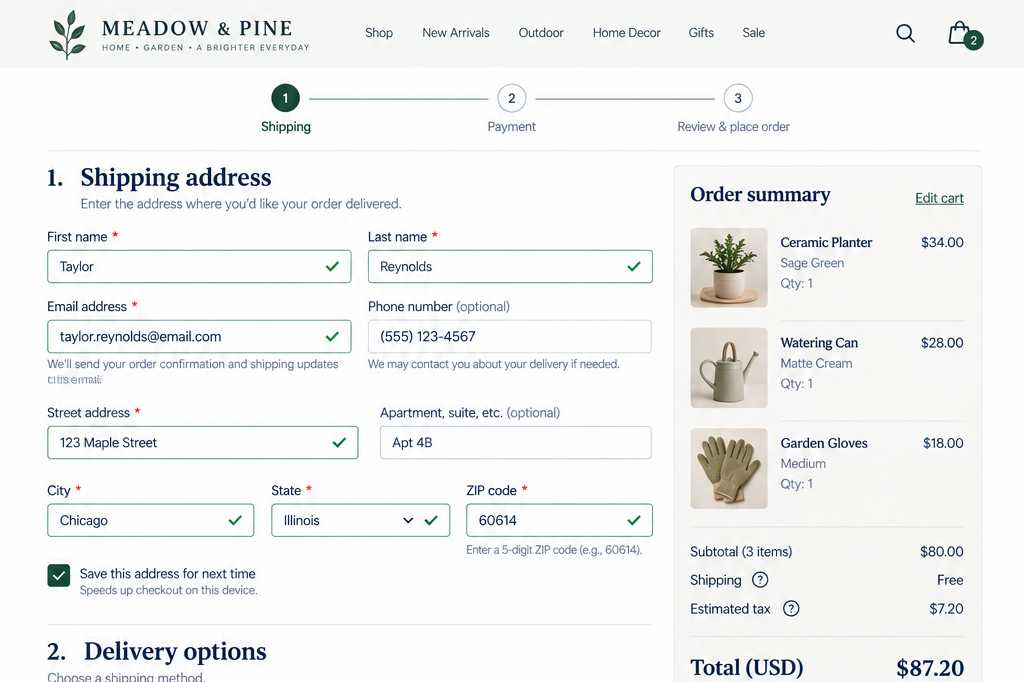
Form UX: How to Make Forms Easier to Complete
Evaluate how much unnecessary cognitive, physical, and informational effort your conversion process requires.
-
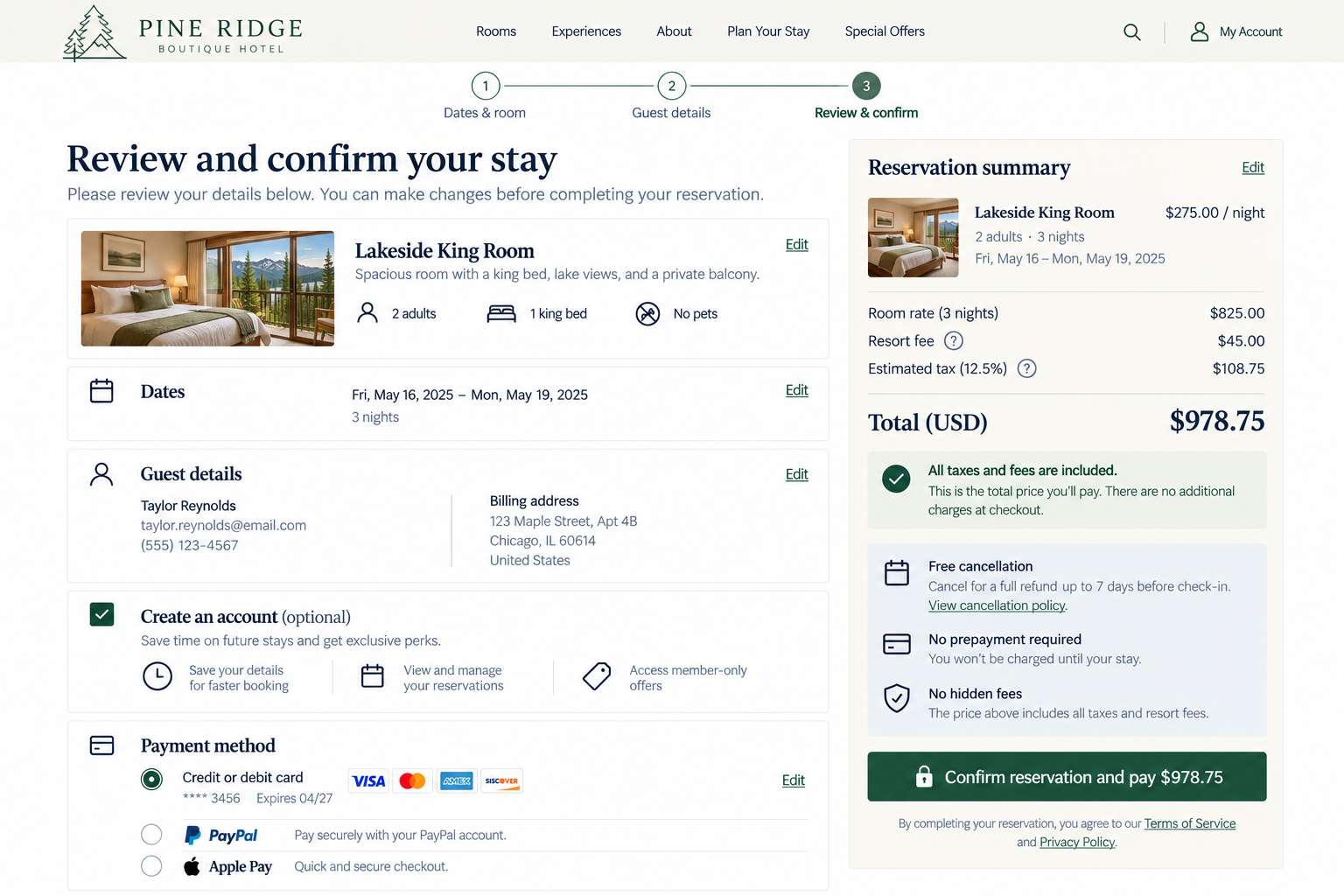
Checkout & Conversion UX: Help Visitors Complete With Confidence
Evaluate whether your conversion experience gives visitors enough transparency and control to verify the decision before committing.
-
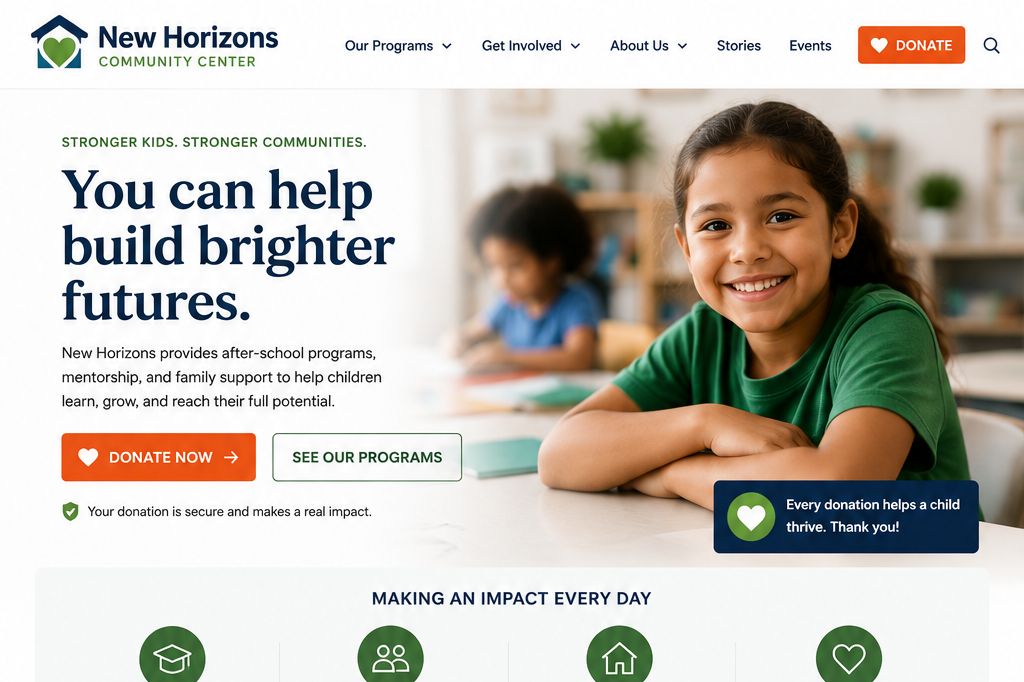
Make The Primary Conversion Path and Actions Clear
Visitors shouldn't have to think about how to move forward. They should immediately recognize the next step and feel confident taking it.
-
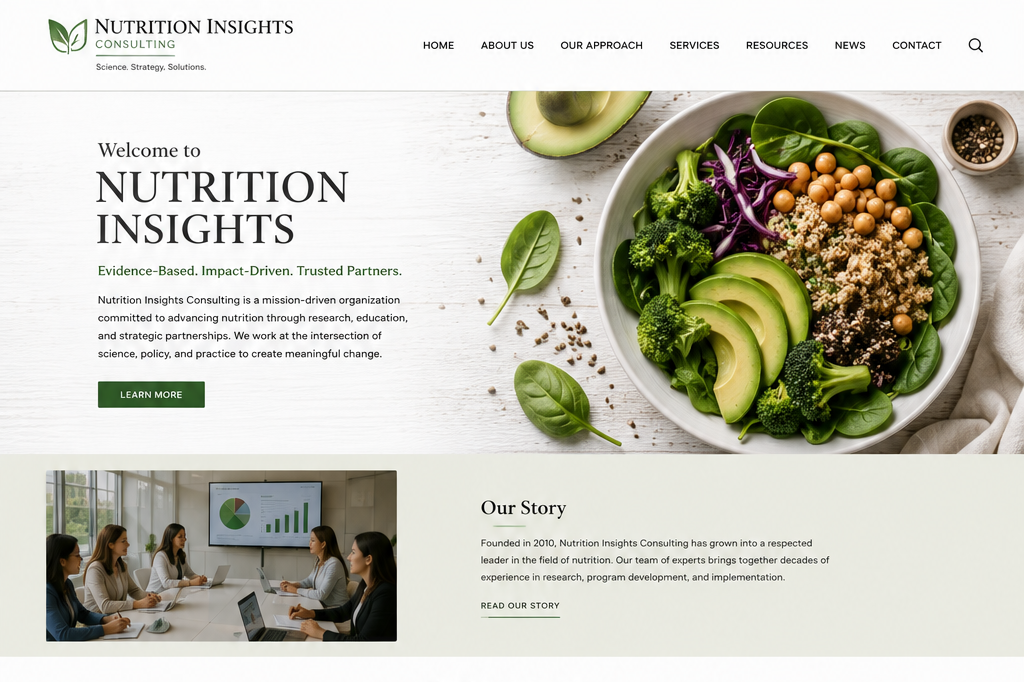
Turn More Traffic Into Leads: Why Visitors Aren't Reaching Out
Traffic isn't necessarily the issue—it's what happens after visitors arrive. If they aren't reaching out, it rarely means they aren't interested.
-
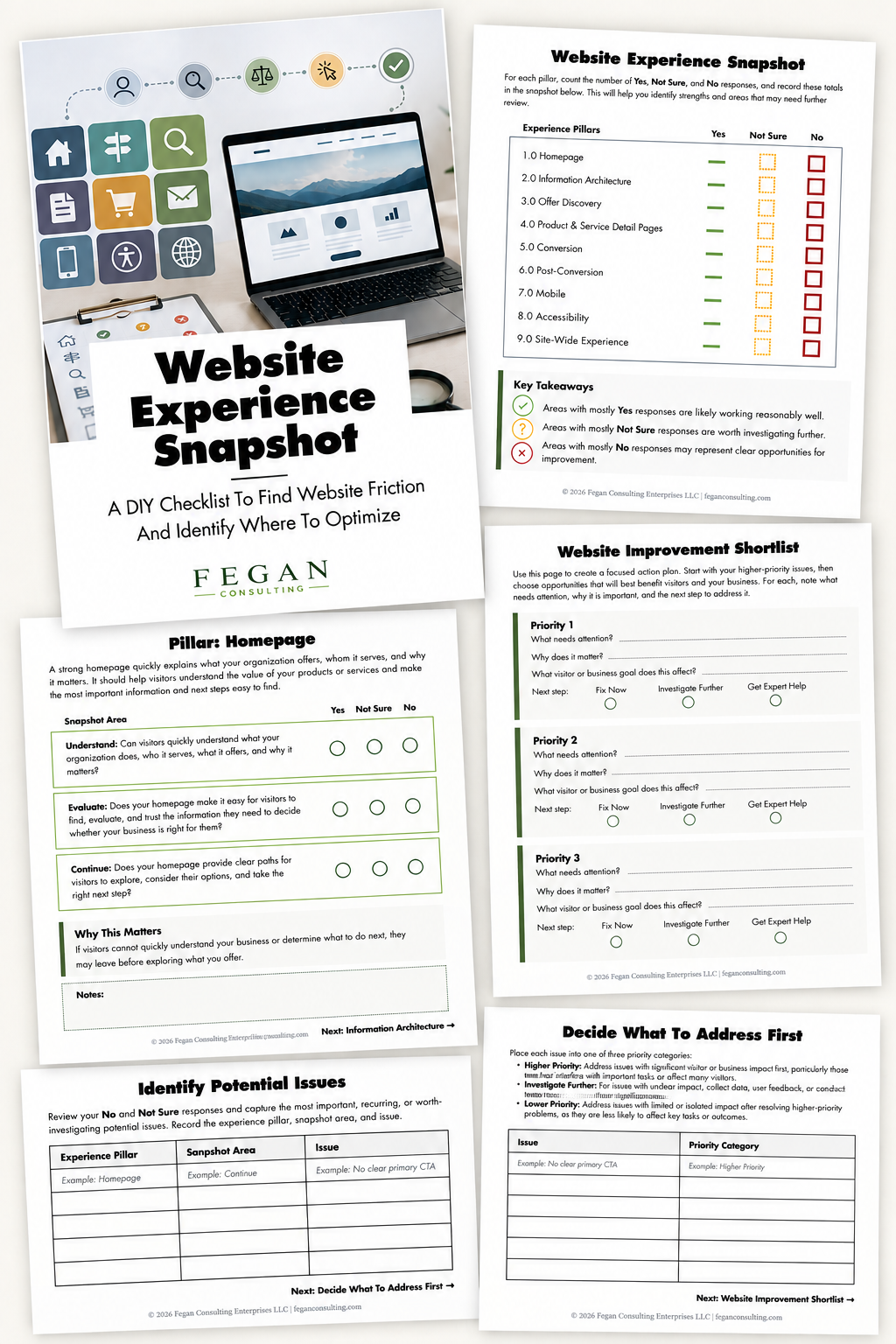
Free Resource: Website Experience Snapshot
Check out this free resource that helps you evaluate 27 questions across nine areas of your website—from your homepage and navigation to conversion, mobile, accessibility, and the overall site experience.