Information Architecture
Can visitors understand how the website is organized and easily navigate to important areas?
-
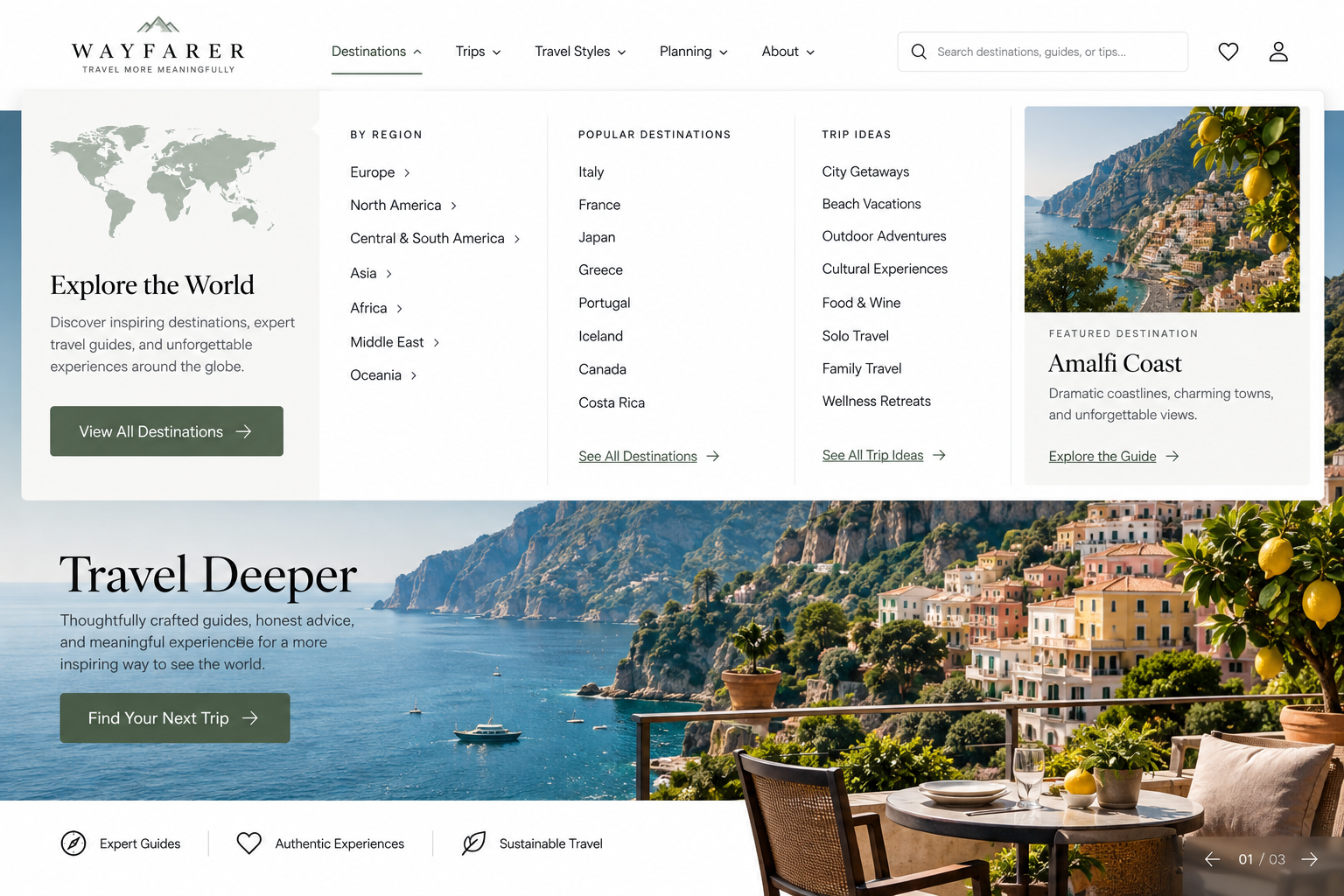
Information Architecture Best Practices: How to Make Your Website Easier to Navigate
If visitors struggle to find what they need, the problem may be how the content is organized and labeled rather than what information is available.
-
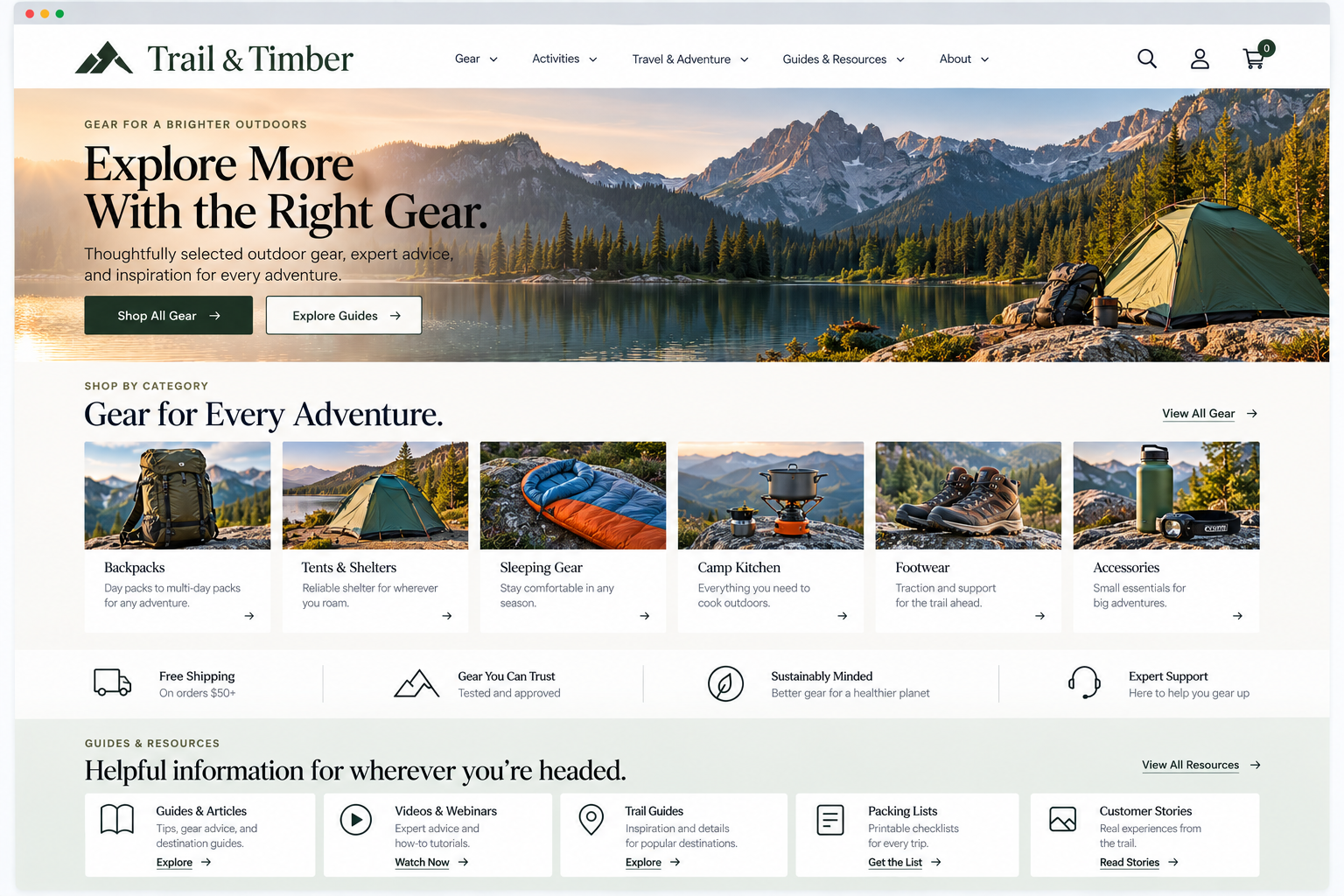
Information Architecture: How to Organize Website Content So Visitors Can Find It
Evaluate whether the underlying organization of your website reflects how visitors expect to find and understand information.
-
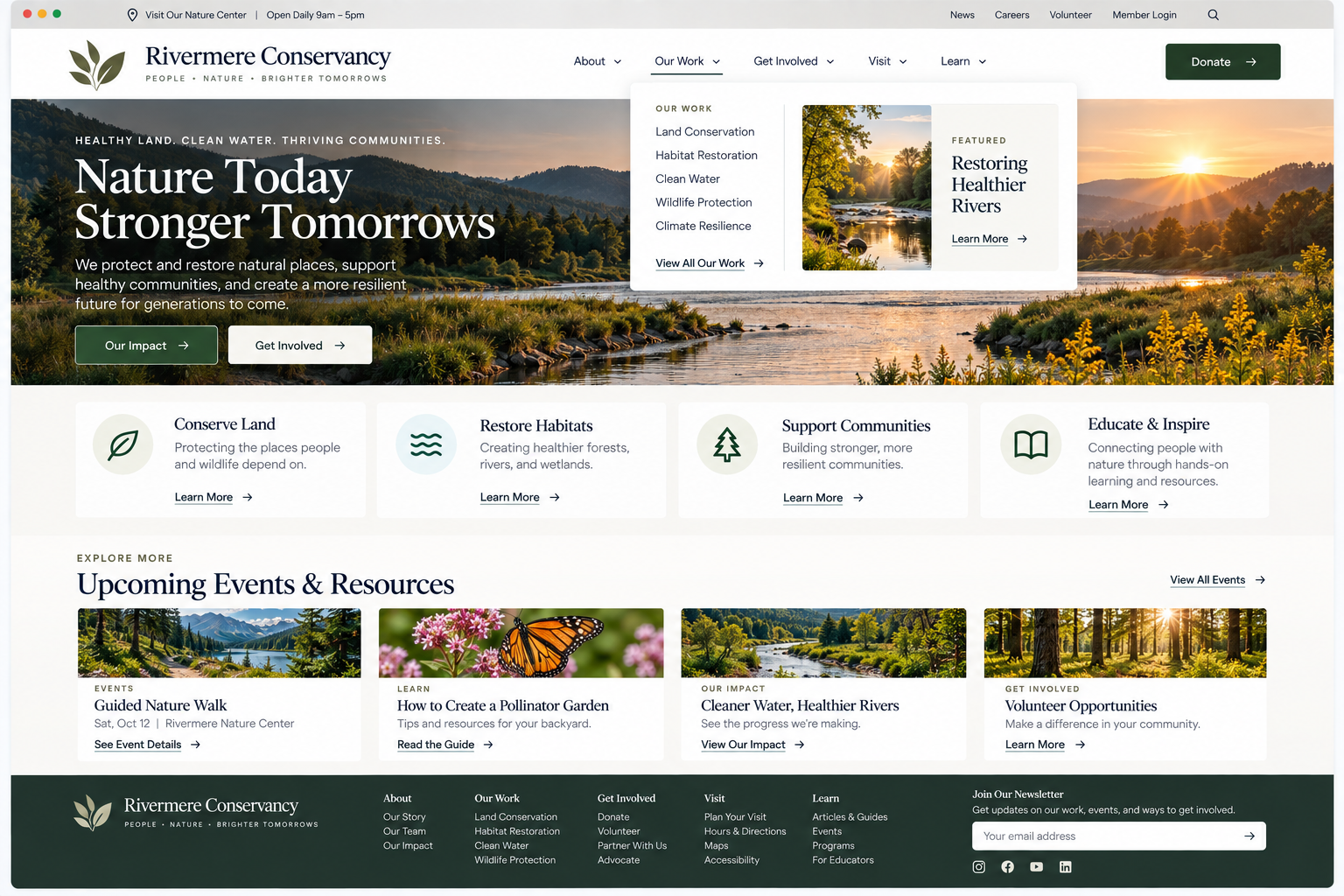
Website Navigation: Help Visitors Find Their Way Around
Evaluate whether your navigation makes important parts of the website easy to recognize and reach.
-
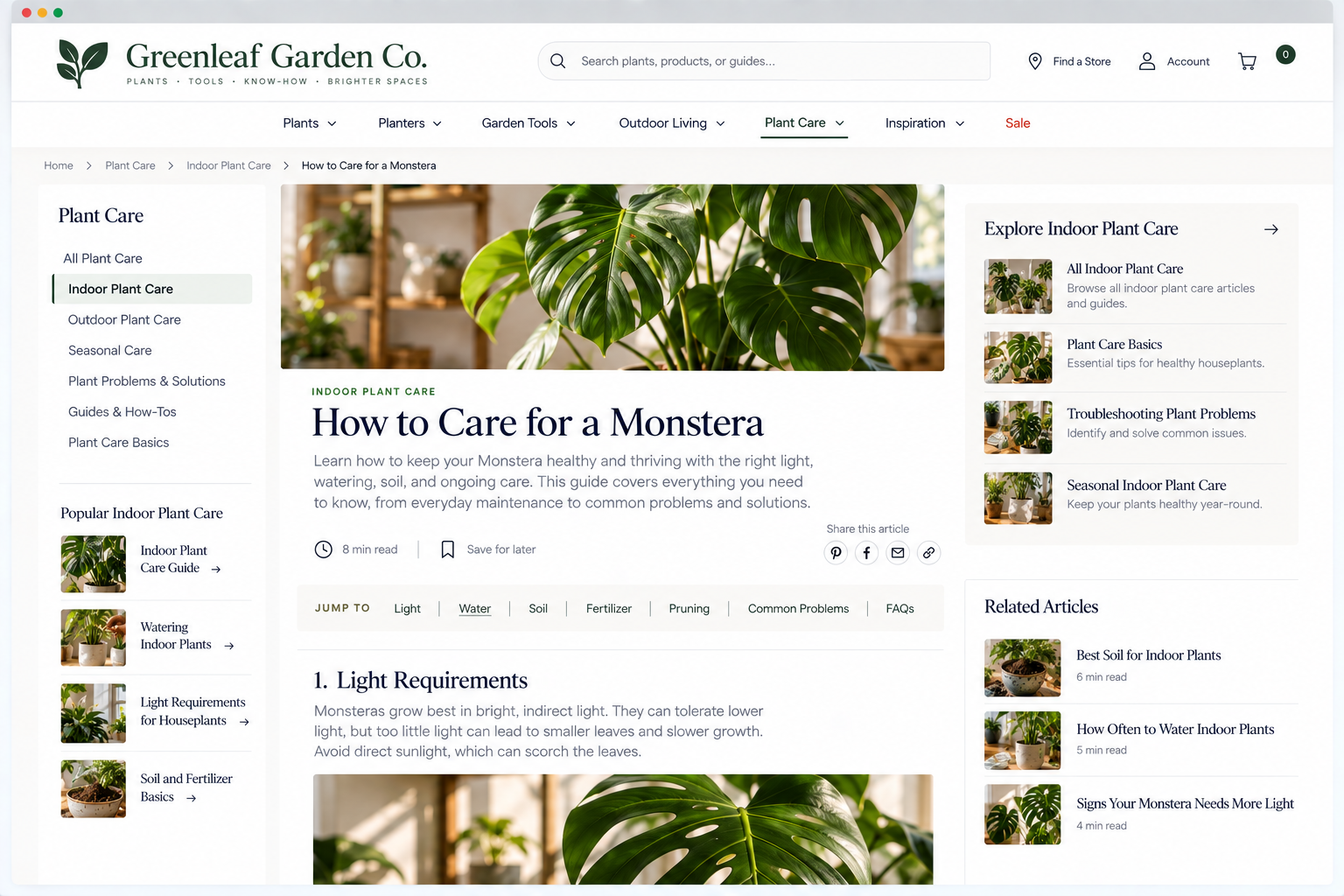
Website Breadcrumbs and Wayfinding: Help Visitors Know Where They Are
Evaluate whether your visitors can maintain a sense of location and context as they move deeper into your website.
-
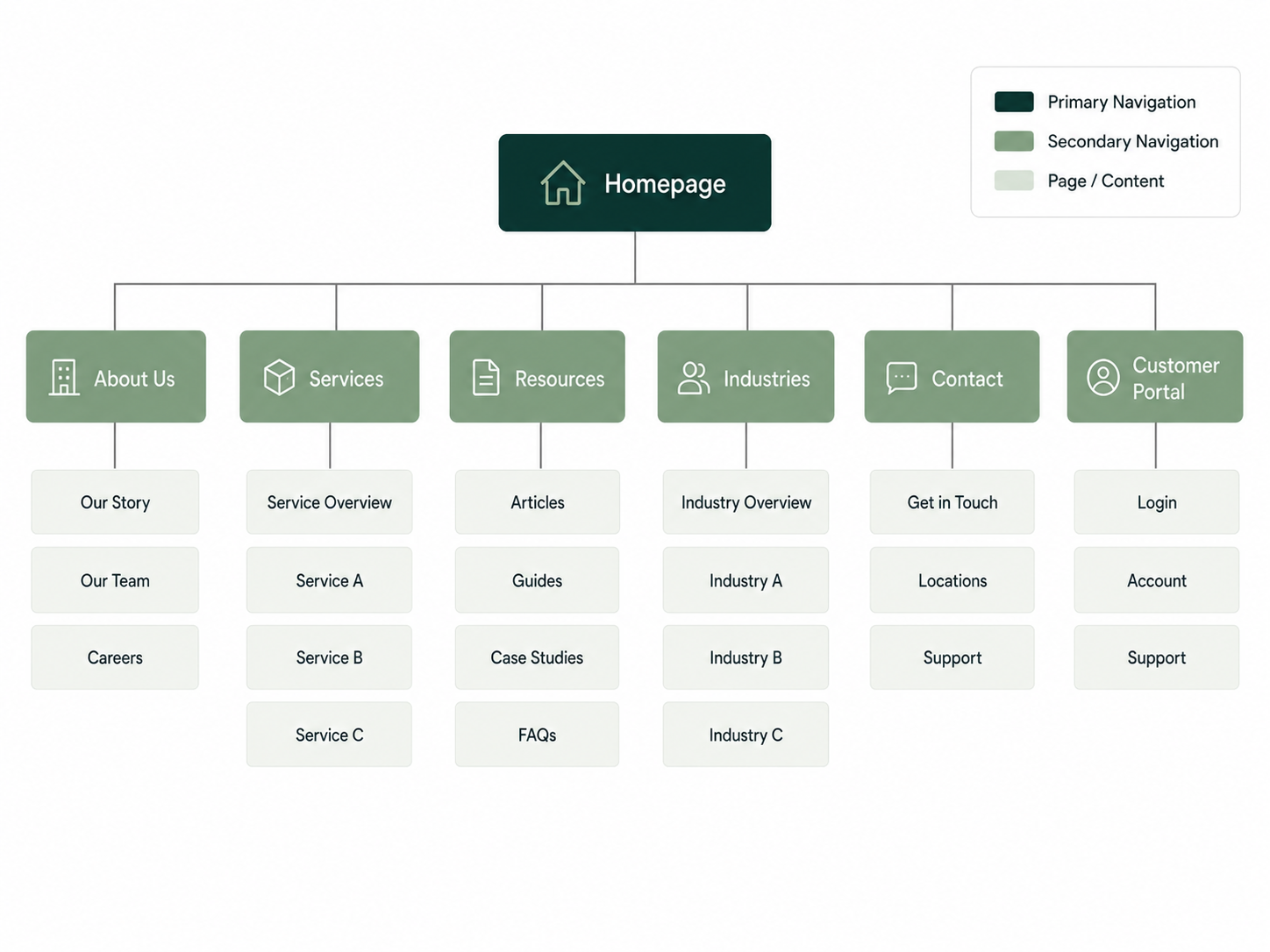
Organize Your Website Around User Expectations, Not Your Organization
Prioritize visitor needs and goals when structuring your website, rather than your internal departments or hierarchy.
-
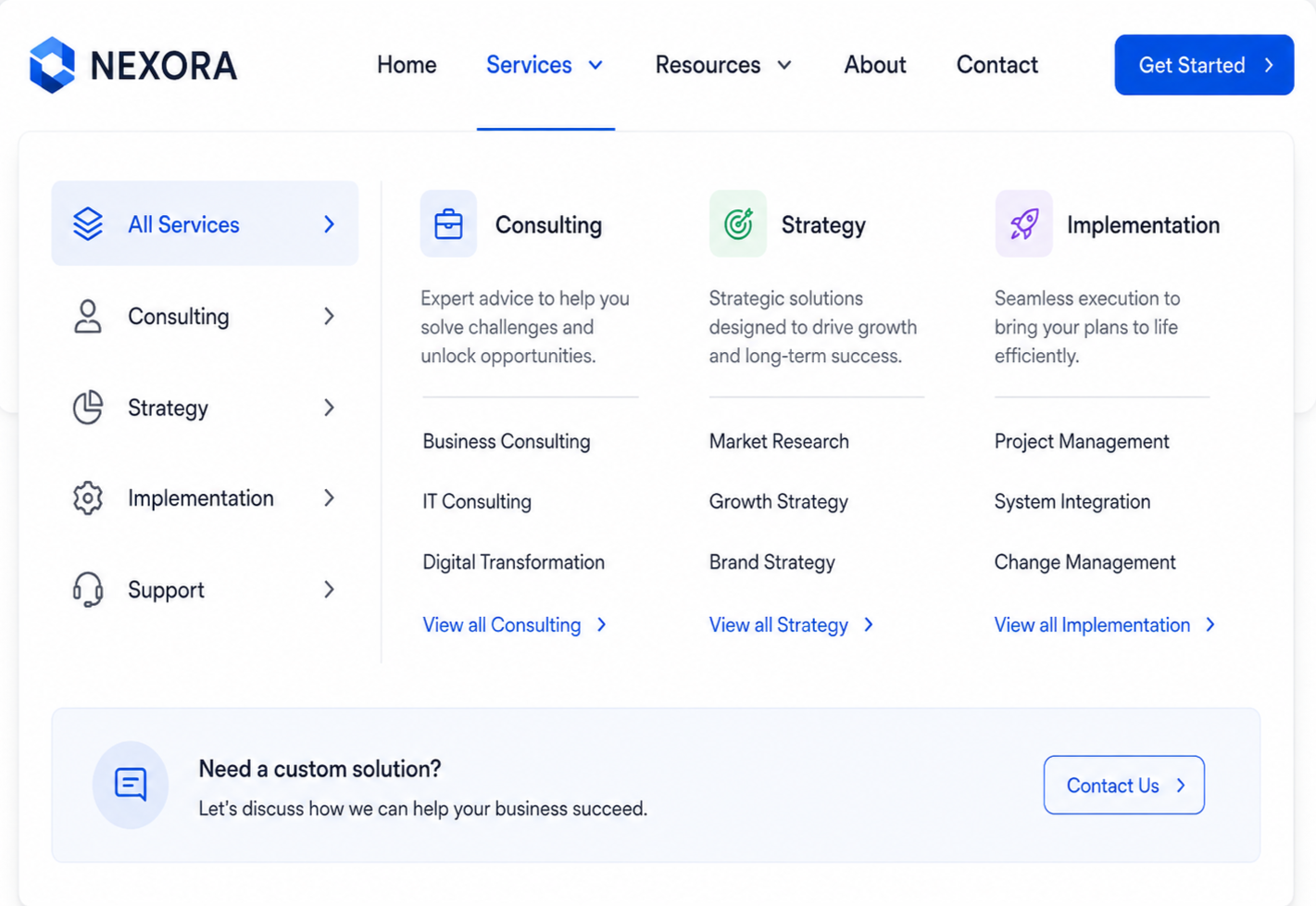
Use A Clear Hierarchy Appropriate To Your Website's Complexity
Strike the right balance between the breadth and depth of navigation to ensure visitors aren't overwhelmed.
-
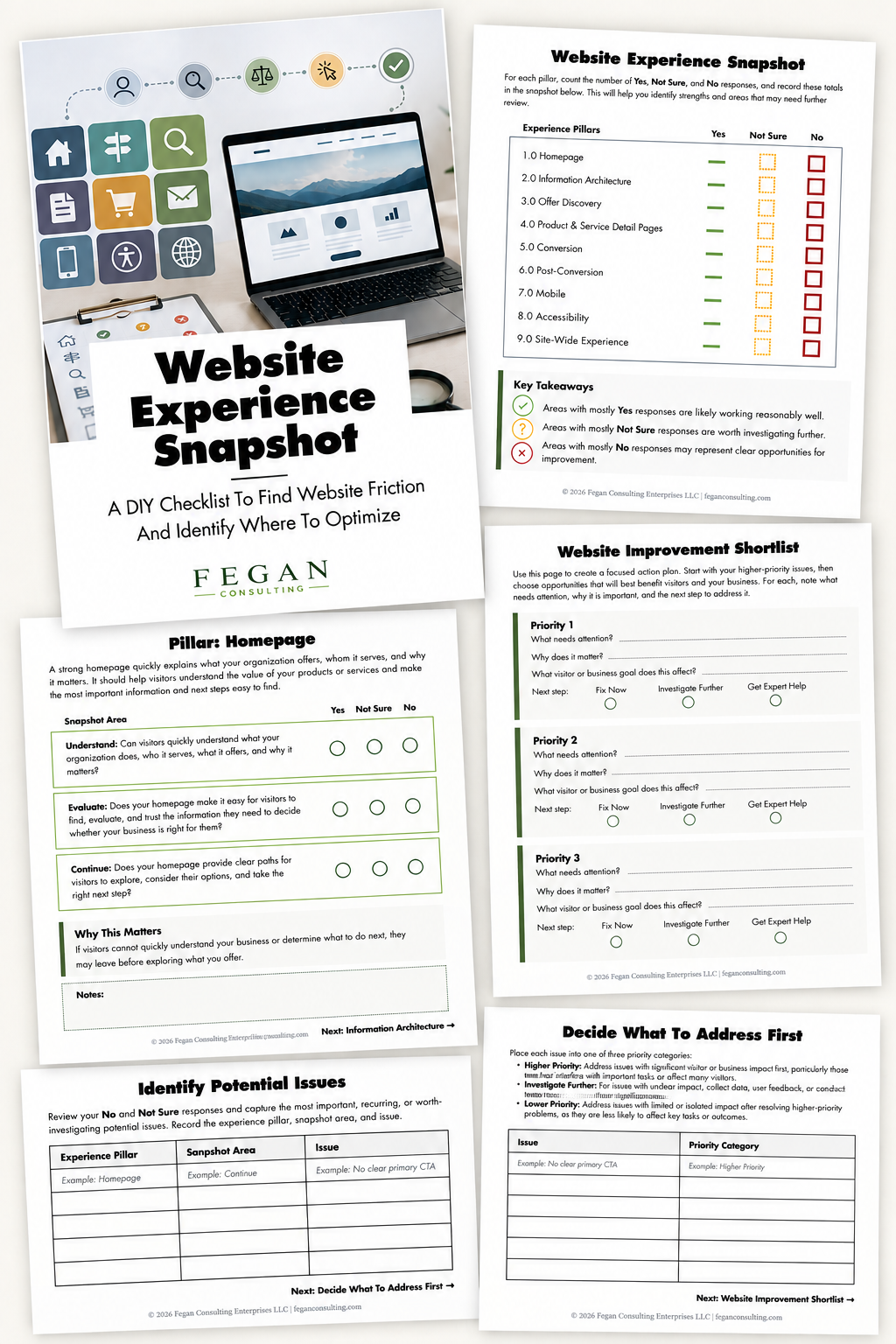
Free Resource: Website Experience Snapshot
Check out this free resource that helps you evaluate 27 questions across nine areas of your website—from your homepage and navigation to conversion, mobile, accessibility, and the overall site experience.