Homepage UX

Can visitors quickly understand what you offer, whether it’s relevant to them, and where to go next?

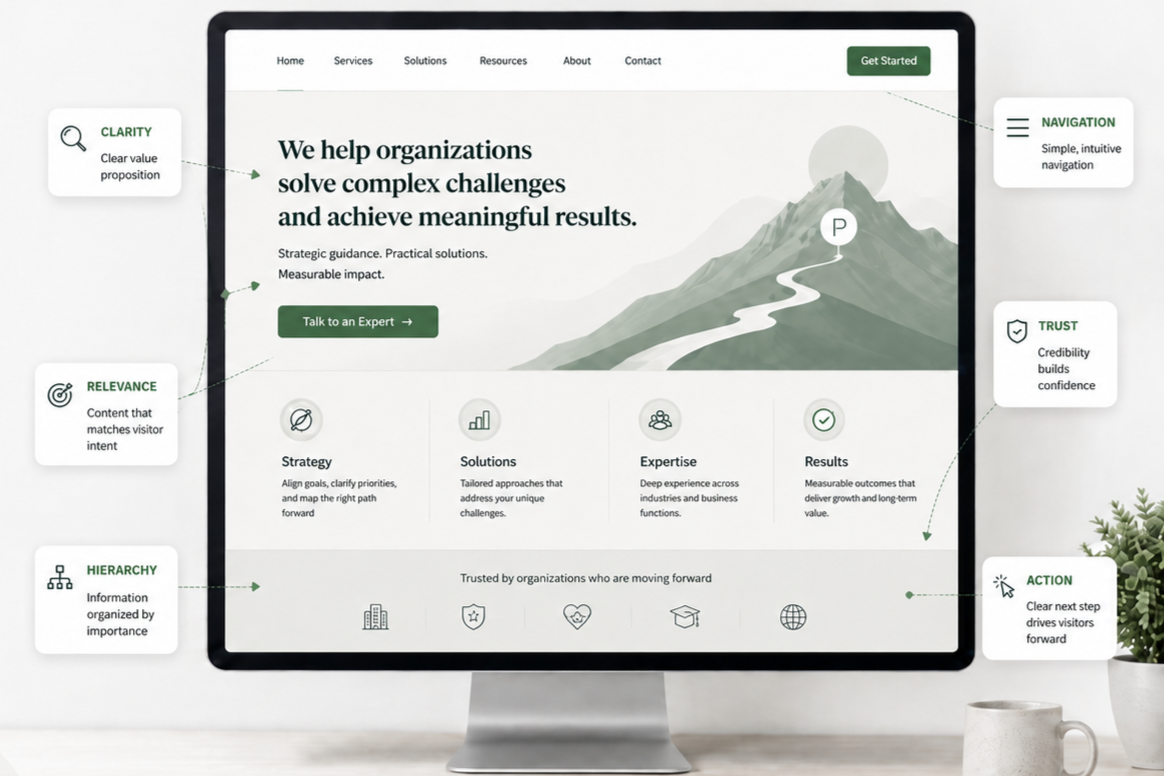
  • A computer monitor displays a website homepage with navigation menu, main headline, and four sections labeled Strategy, Solutions, Expertise, and Results. The screen includes call-to-action buttons and icons, with annotations highlighting features such as clarity, relevance, hierarchy, navigation, trust, and action.

    Homepage UX Best Practices: Help Visitors Understand, Explore, and Take Action

    Effective homepage UX makes your offerings clear, proves relevance and trust, and guides visitors to their next step.

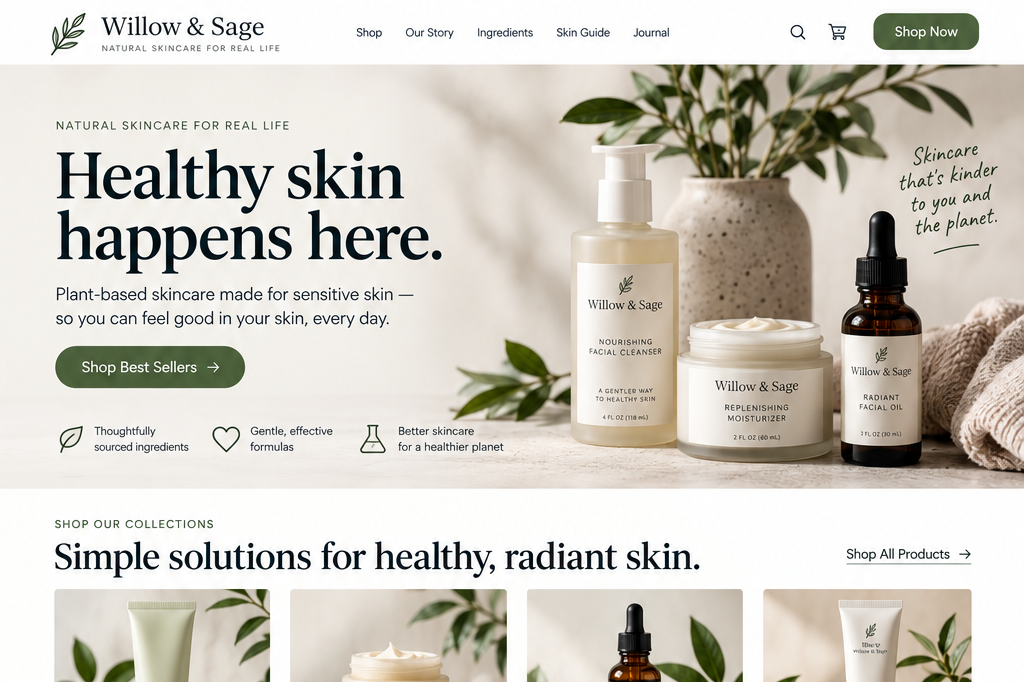
  • Screenshot of the Willow & Sage website homepage featuring natural skincare products, including facial cleanser, moisturizer, and facial oil, with a plant in a vase and minimalistic design.

    Homepage Messaging: How to Help Visitors Understand What You Do

    Evaluate whether a first-time visitor can quickly understand the fundamental information the homepage needs to communicate.

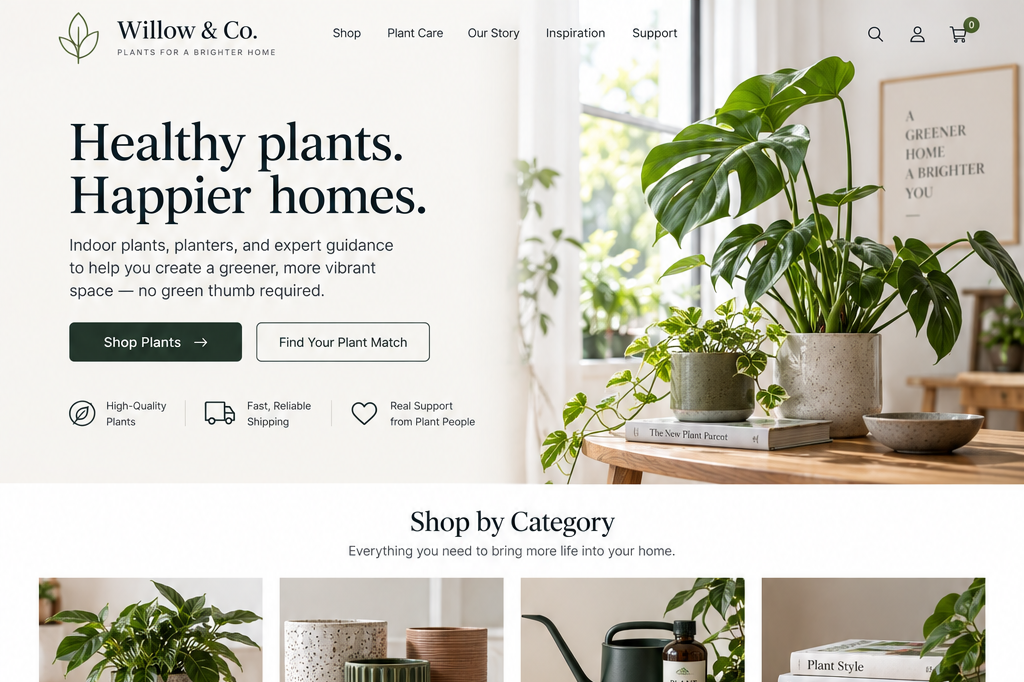
  • A webpage homepage for Willow & Co., a plant store. Features a large green houseplant on a wooden table, with a background of indoor plants and decor. Main headline: "Healthy plants. Happier homes." and options to shop plants or find a plant match, along with icons for high-quality plants, reliable shipping, and support.

    Homepage Credibility: Help Visitors Decide Whether to Keep Exploring

    Evaluate whether your homepage presents information in a way that helps visitors assess the organization and feel confident continuing.

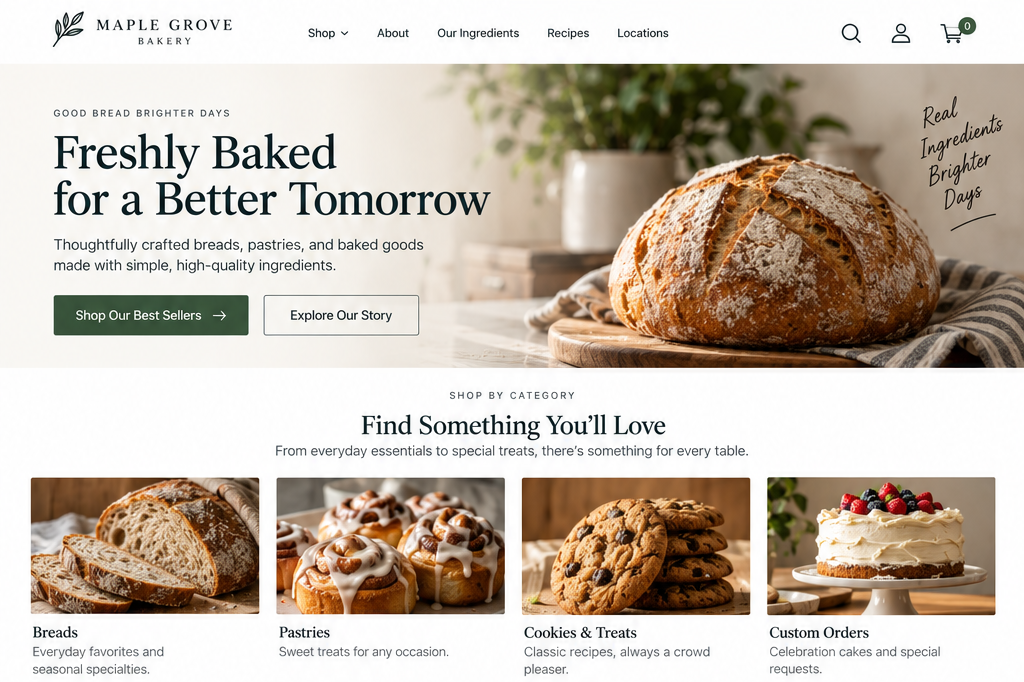
  • A bakery website homepage displaying a large loaf of bread on a wooden cutting board, with text promoting freshly baked goods for a better tomorrow, and categories including breads, pastries, cookies and treats, and custom orders.

    Homepage Calls to Action: Help Visitors Know What to Do Next

    Evaluate whether your homepage provides clear next steps for visitors with different goals and levels of readiness.

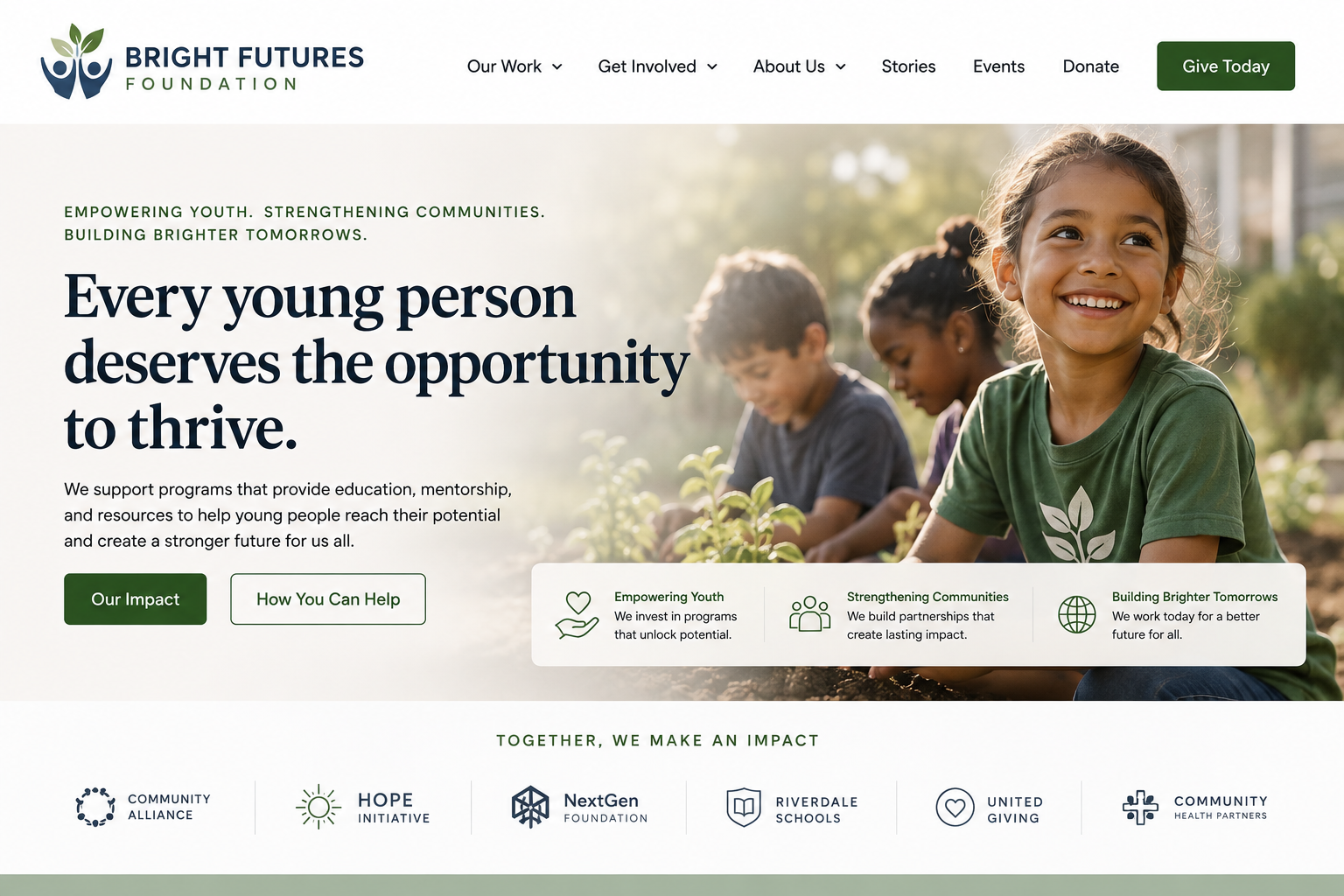
  • A young girl with a joyful expression sitting outdoors alongside two other children, all of whom are engaged in planting or gardening activities.

    Make your organization’s purpose and intended audience immediately clear

    Unclear homepages force visitors to assess a website’s relevance before they can understand its offerings.

  • Computer screen displaying the Skillshare website with navigation options and a promotional banner, while a blurred background of plants is visible behind the screen.

    Why Your Homepage Isn’t Working and Why Design May Not Be the Problem

    The problem may not be design but unclear messaging, poor prioritization, or a lack of clear next steps.

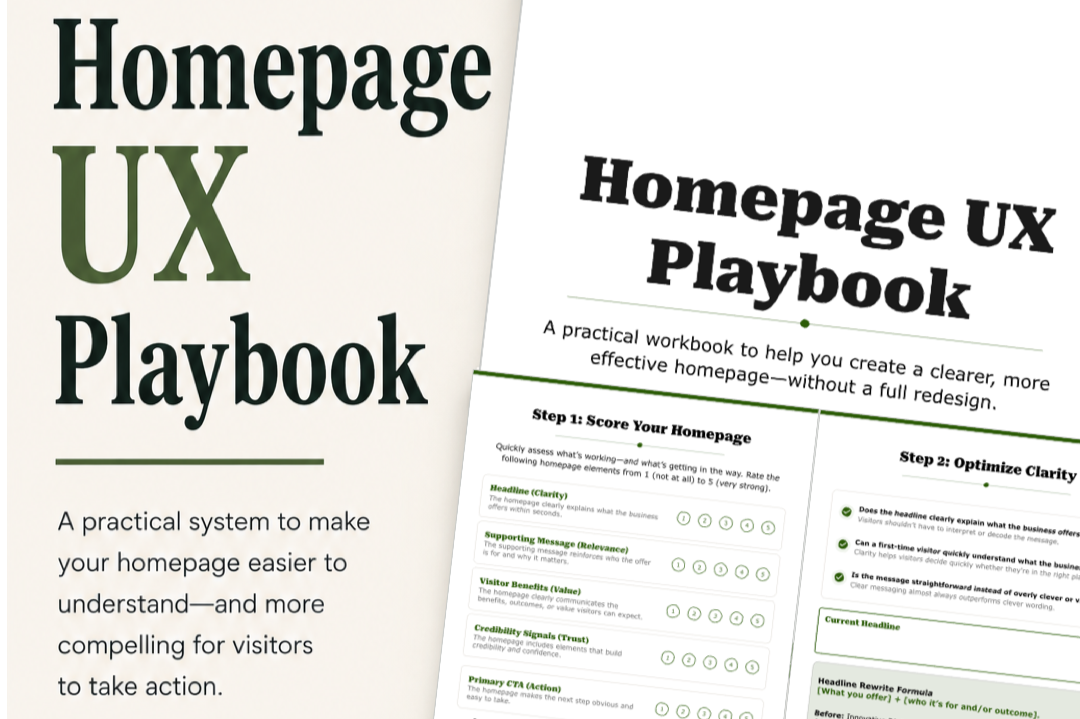
  • Cover of a booklet titled 'Homepage UX Playbook' with a subtitle describing it as a practical workbook for creating clearer homepages

    Step-by-step UX Exercises To Optimize your website on your own schedule

    Evaluate and improve the parts of your homepage that most directly impact usability, trust, and conversions.

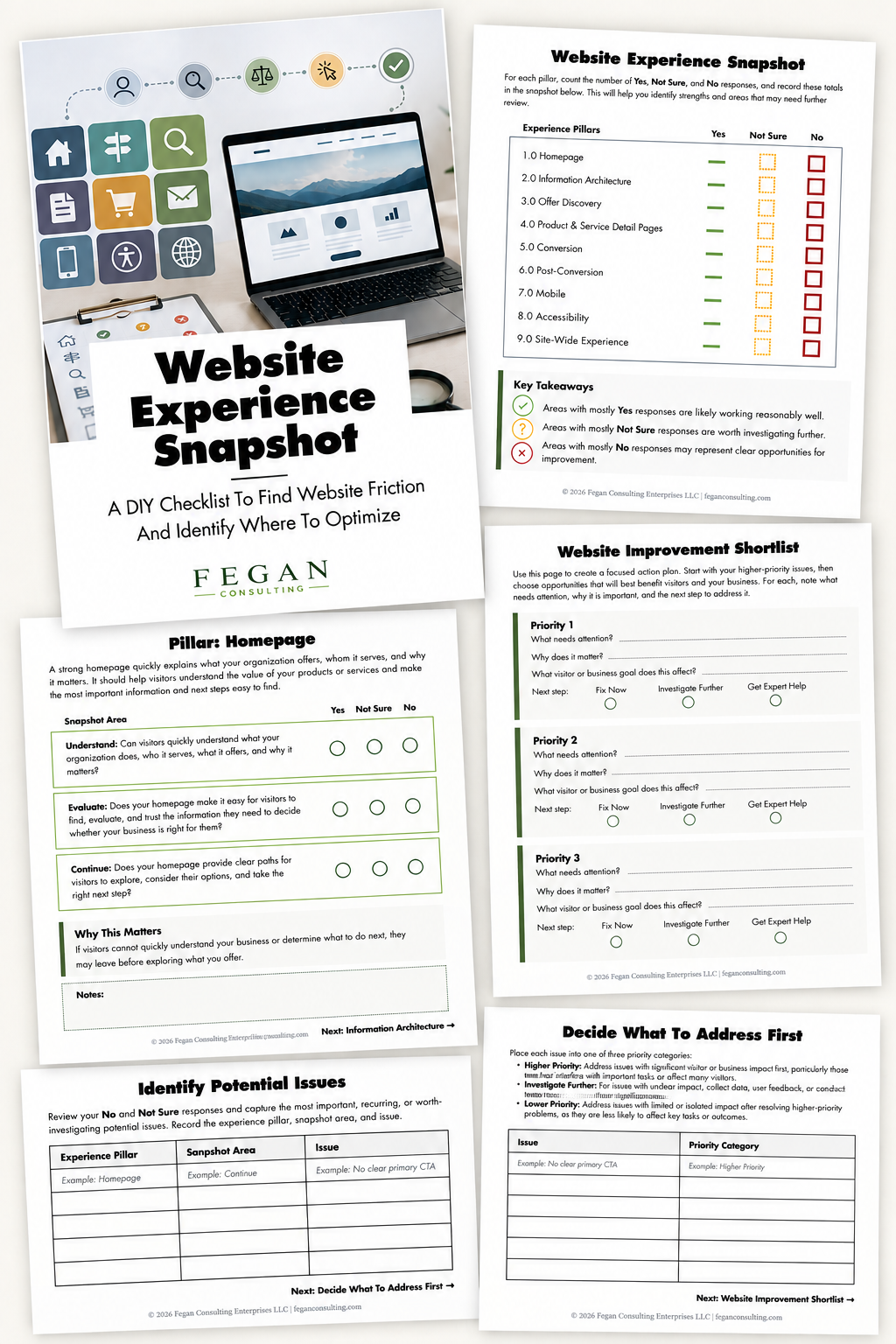
  • Collection of printed documents and a laptop on a desk, including a 'Website Experience Snapshot' guide, a checklist for website pillars, a shortlisting plan for website improvements, and a potential issues review sheet, with colorful icons in the background.

    Free Resource: Website Experience Snapshot

    Check out this free resource that helps you evaluate 27 questions across nine areas of your website—from your homepage and navigation to conversion, mobile, accessibility, and the overall site experience.