Mobile Experience

Can visitors accomplish important tasks easily and efficiently on a smaller screen?

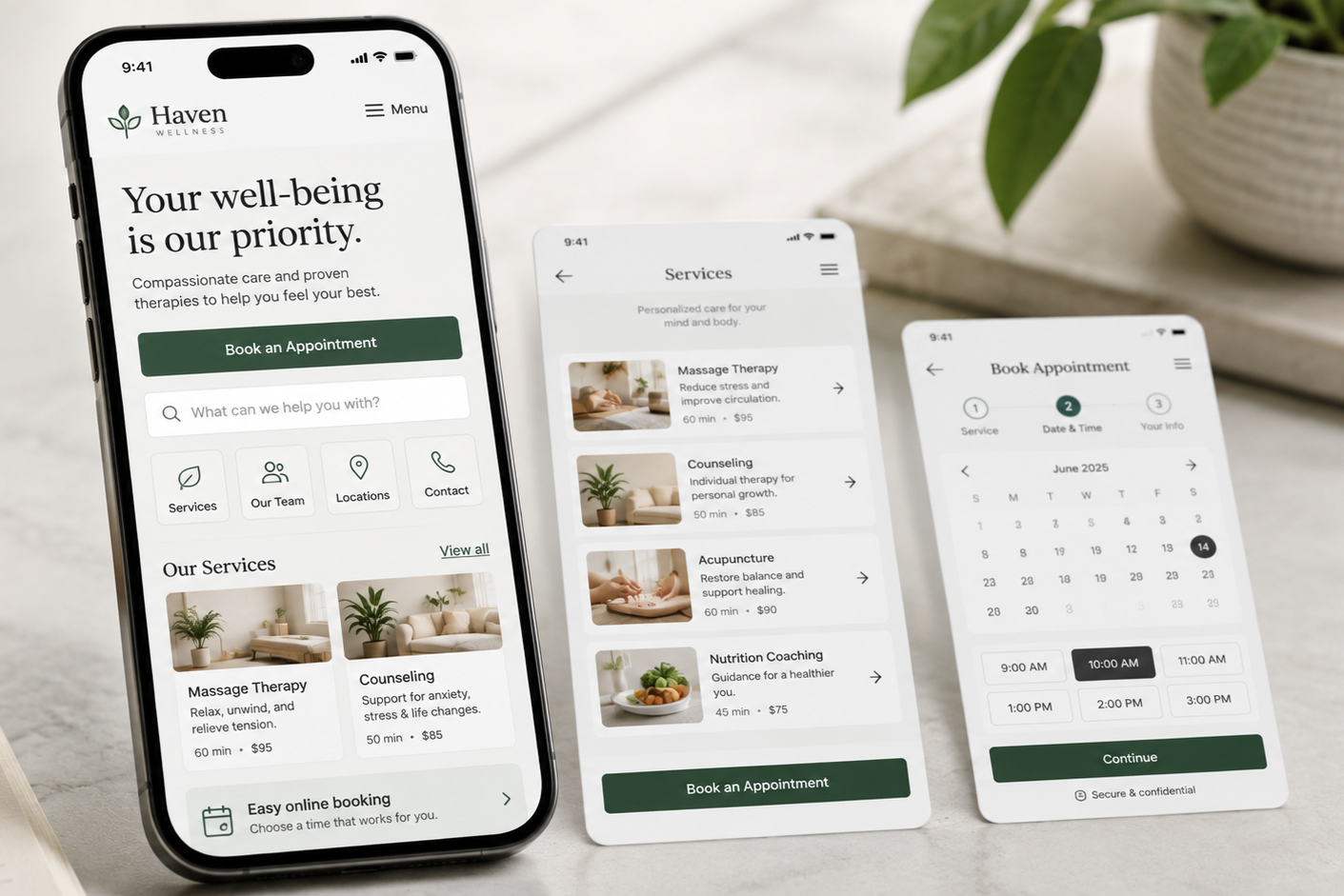
  • Three smartphones displaying a wellness and therapy appointment booking app on a table near a potted plant.

    Mobile UX Best Practices: Make Your Website Easier to Use on a Mobile Device

    If visitors struggle with mobile navigation or cannot easily complete key tasks, the mobile experience may be causing unnecessary friction.

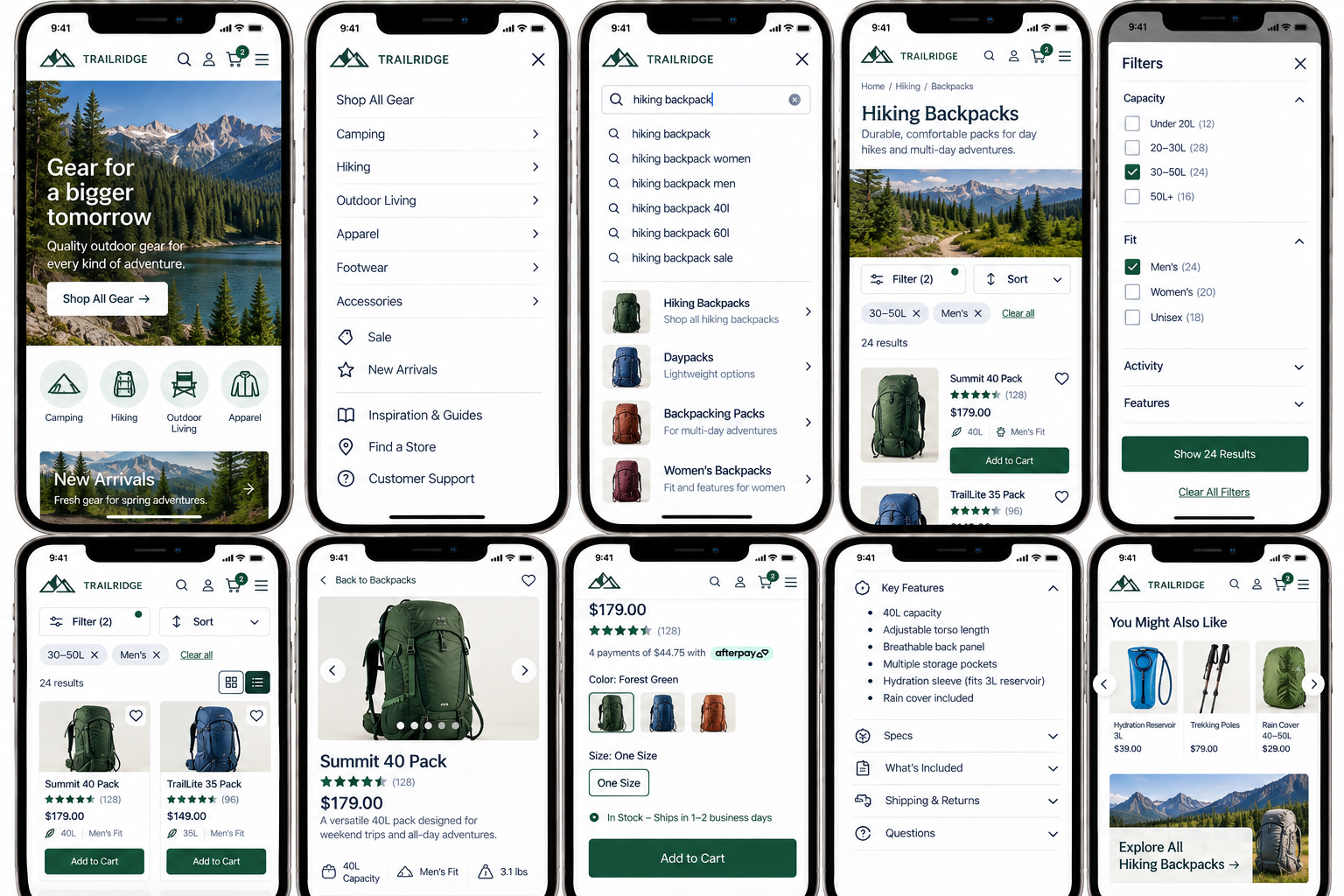
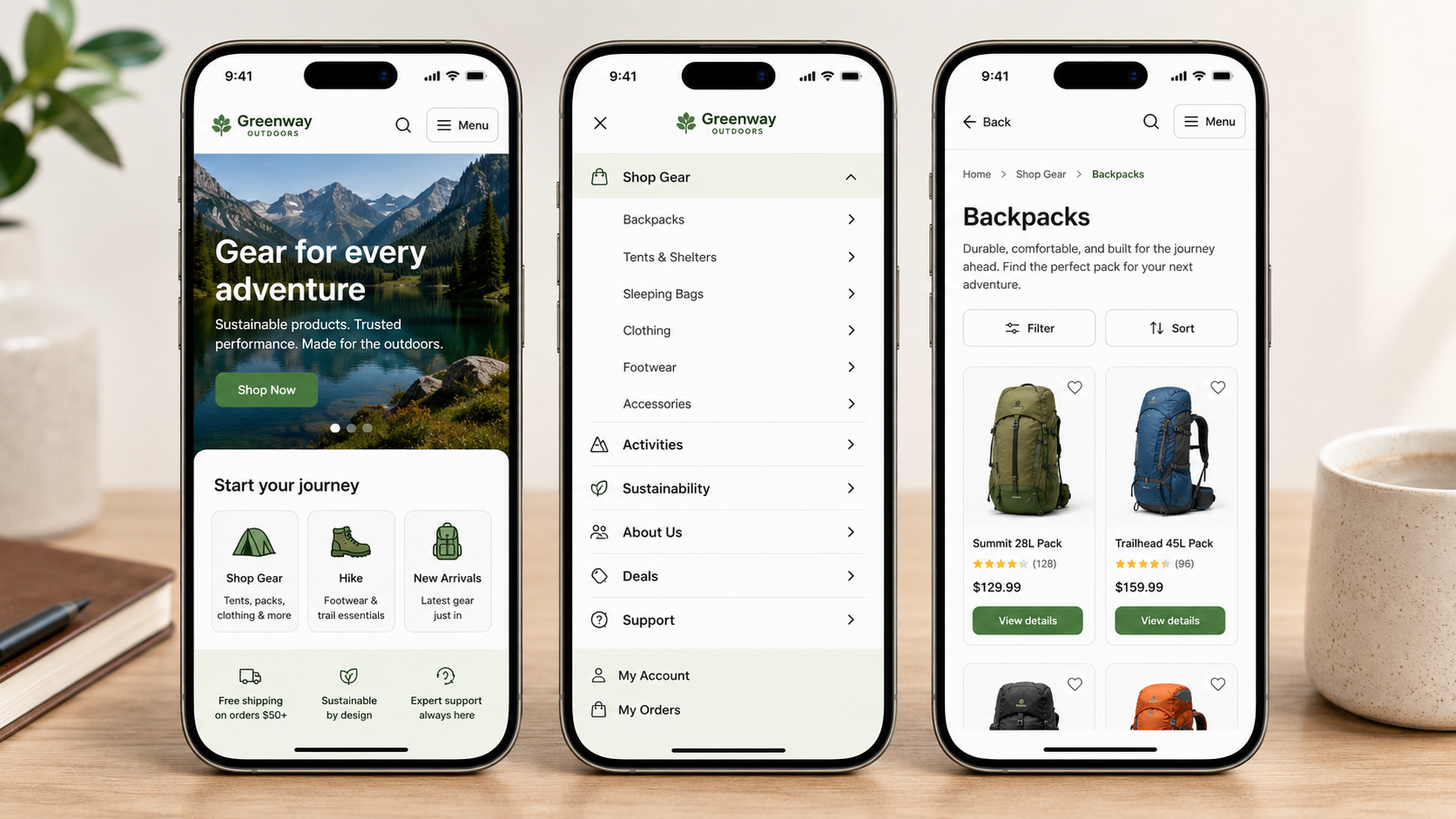
  • Screenshots of a mobile shopping app focused on outdoor gear, featuring categories like hiking backpacks, filters for capacity and fit, product details for the Summit 40 Pack, and related product recommendations.

    Mobile Navigation UX: Help Visitors Find What They Need

    Evaluate whether mobile visitors can efficiently find important destinations, information, and offerings without the smaller screen becoming an obstacle.

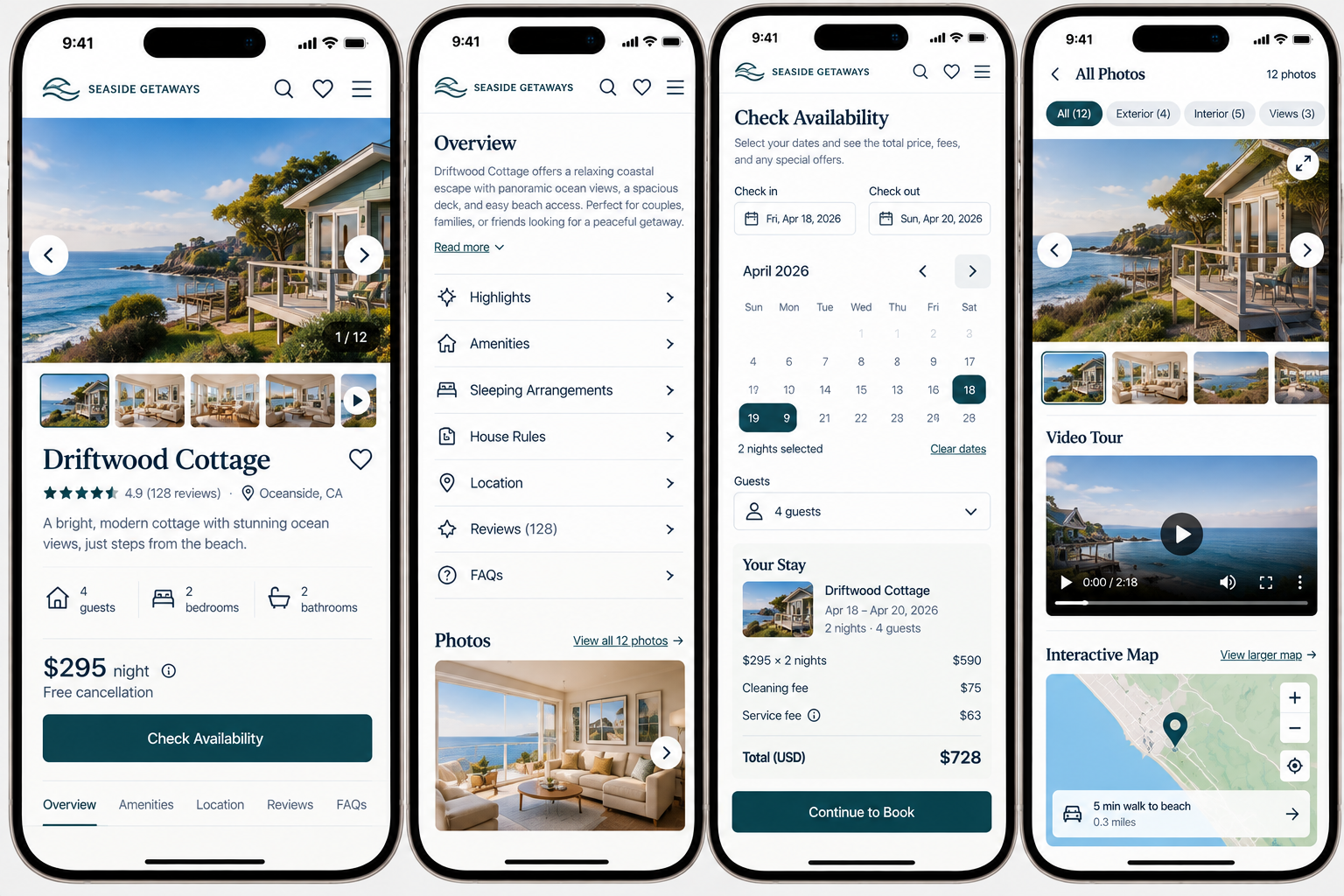
  • Screenshots of a mobile app interface for booking beachside accommodations, showing listings, details, availability calendar, photos, videos, and map of a coastal cottage.

    Mobile Usability: Is Your Website Easy to Use on a Phone?

    Evaluate whether your content and interactions actually work comfortably in the physical and visual constraints of a mobile device.

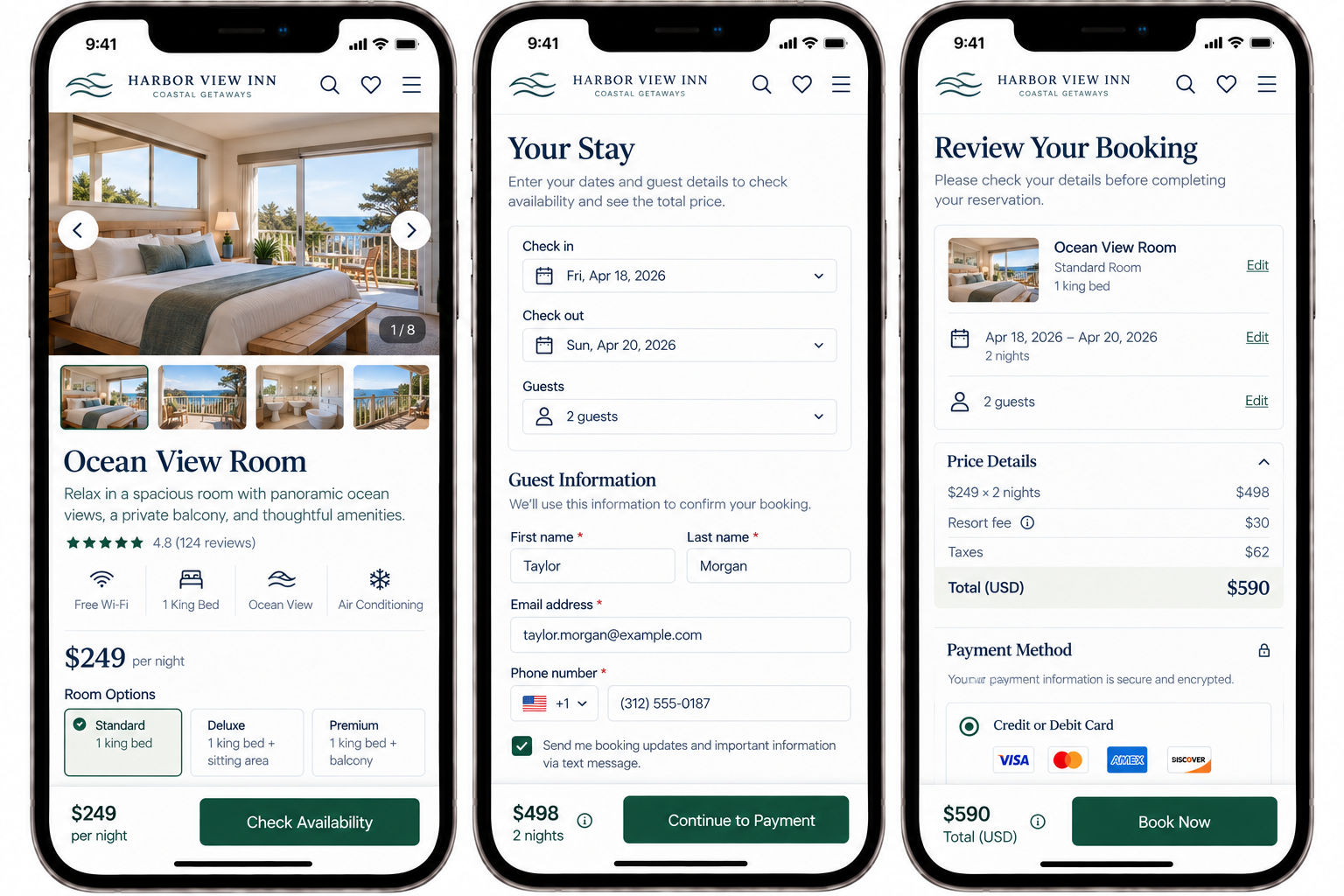
  • Trip booking mobile app screens for Harbor View Inn, showing a room with ocean view, options to select dates and room, guest information form, and booking review with total cost and payment options.

    Mobile Checkout & Form UX: Help Visitors Complete Important Tasks

    Evaluate whether important website tasks can actually be completed from beginning to end on a mobile device.

  • Screenshot of a website homepage for Nutrition Insights Consulting, featuring a logo with a leaf, navigation links, and a section called Popular Links. The website offers information on their team, history, mission, values, and leadership.

    Prioritize Important Destinations and Utility Actions In Mobile Navigation

    A great mobile experience is defined by how easily people can accomplish their goals on the device they're actually using.

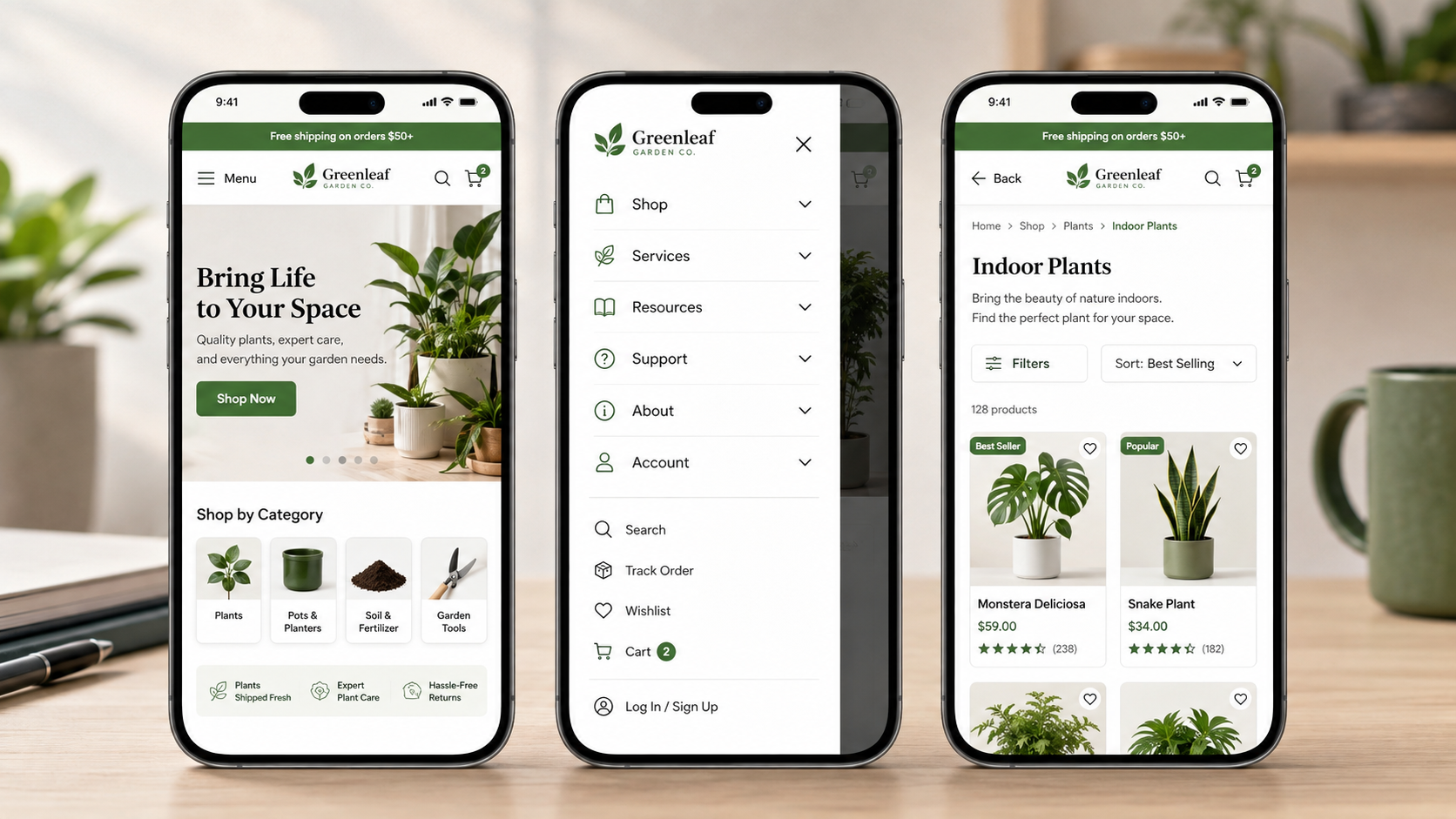
  • Screenshots of the NourishLife website on a mobile phone, showing menu pages. The left screen displays the main menu with options like Home, About Us, What We Offer, Programs, Services, For You, Resources, and Learn. The right screen shows a submenu with options including Our Story, Meet the Team, Our Mission, Approach, Philosophy, Nutrition Coaching, Wellness Programs, Corporate Wellness, Packages & Pricing, and Nutrition Assessments.

    Use Predictable Mobile Navigation Patterns

    When menus behave the way visitors expect, people spend less time learning the interface and more time accomplishing their goals.

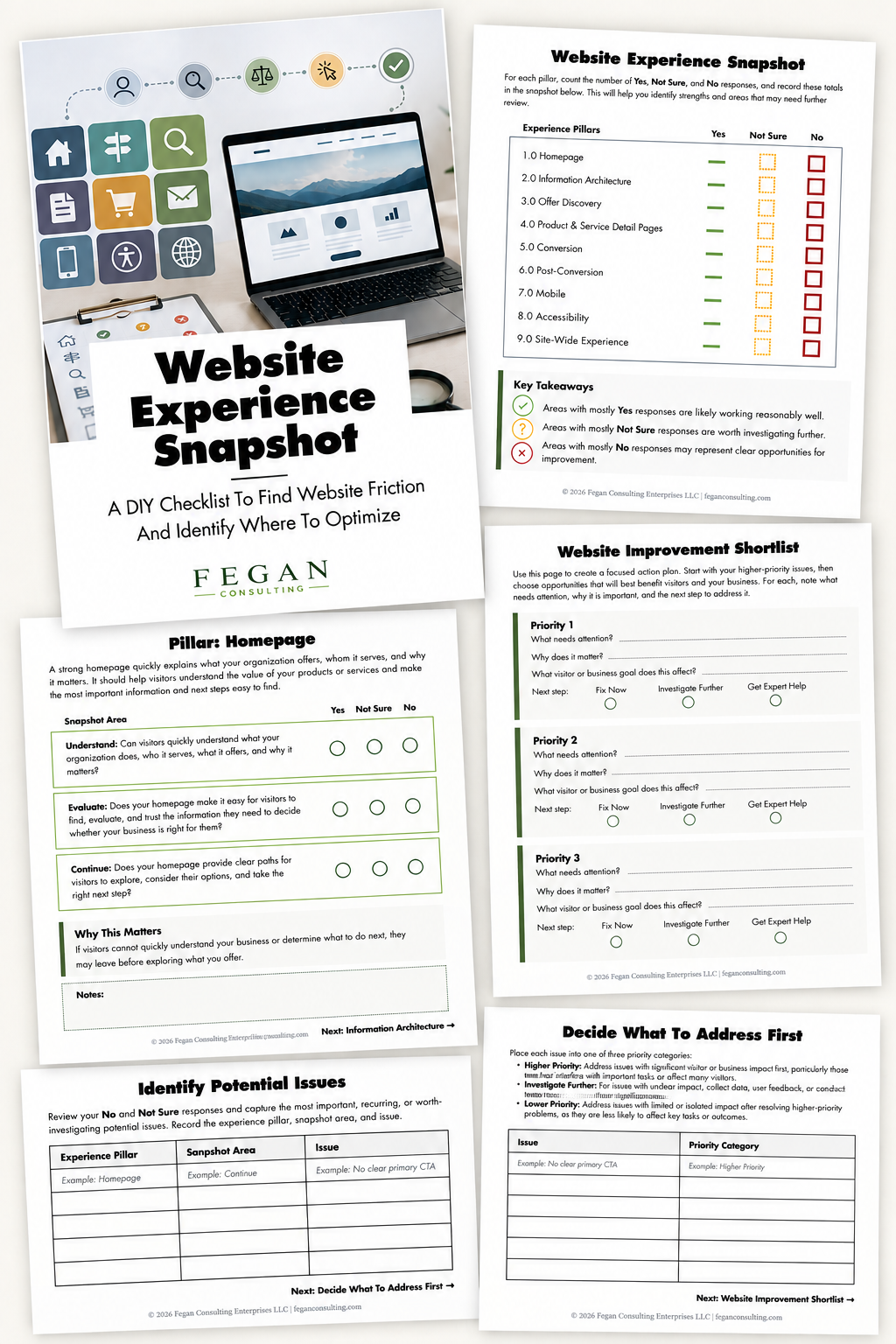
  • Multiple sheets of paper with a website experience checklist, wireframe images, and icons related to website optimization and improvement planning, with a laptop and digital icons in the background.

    Free Resource: Website Experience Snapshot

    Check out this free resource that helps you evaluate 27 questions across nine areas of your website—from your homepage and navigation to conversion, mobile, accessibility, and the overall site experience.