Accessibility & Inclusive Design

Can people with different abilities perceive, understand, navigate, and interact with the website?

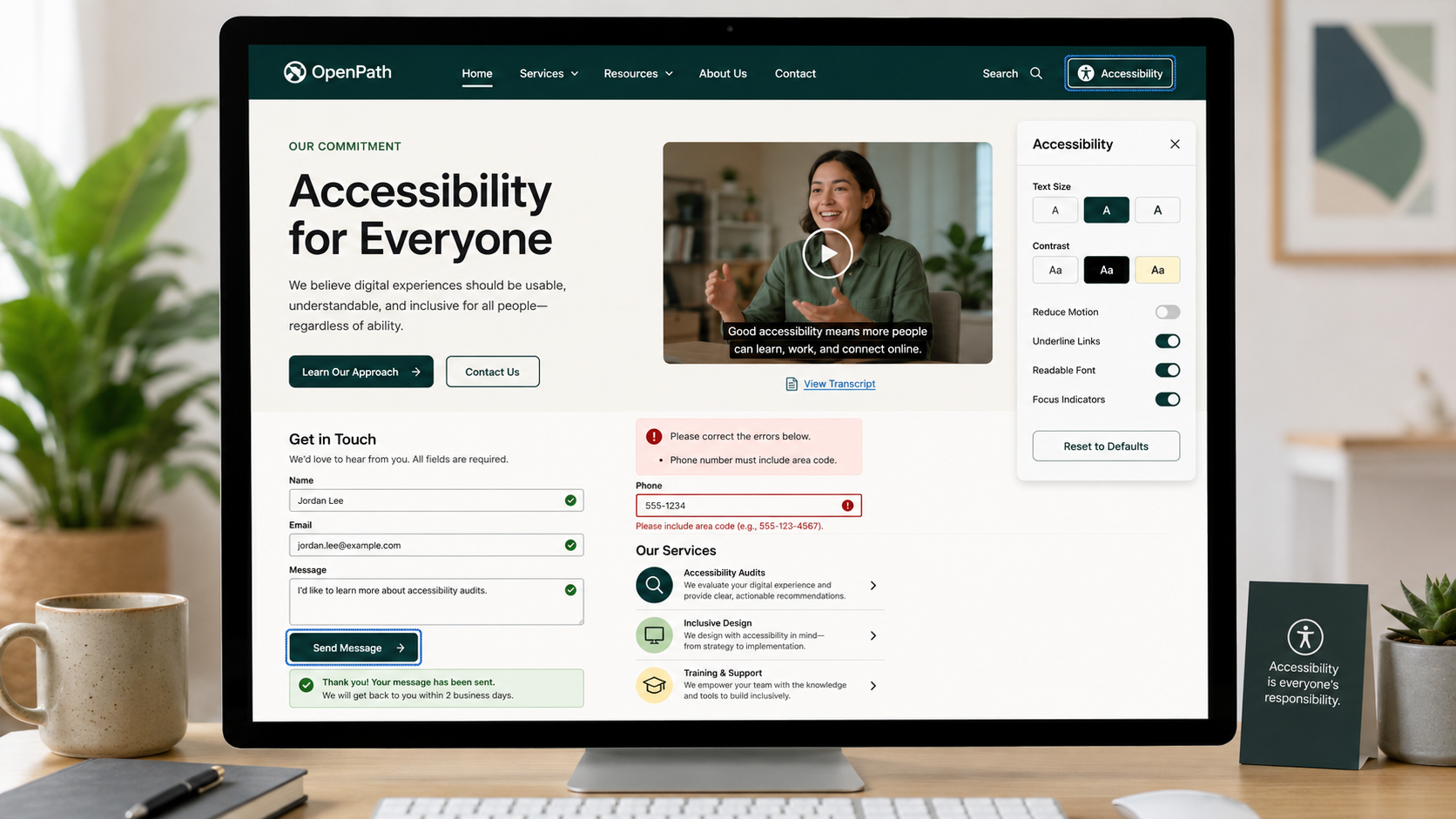
  • Computer monitor displaying a webpage titled 'Accessibility for Everyone' by OpenPath, with an accessibility settings menu open, a contact form, and service descriptions. The background includes a plant, a mug, and office items.

    Website Accessibility Best Practices: Make Your Website Easier for More People to Use

    Accessibility is not about providing a separate experience for a few visitors. It is essential to building a website that serves a wider audience.

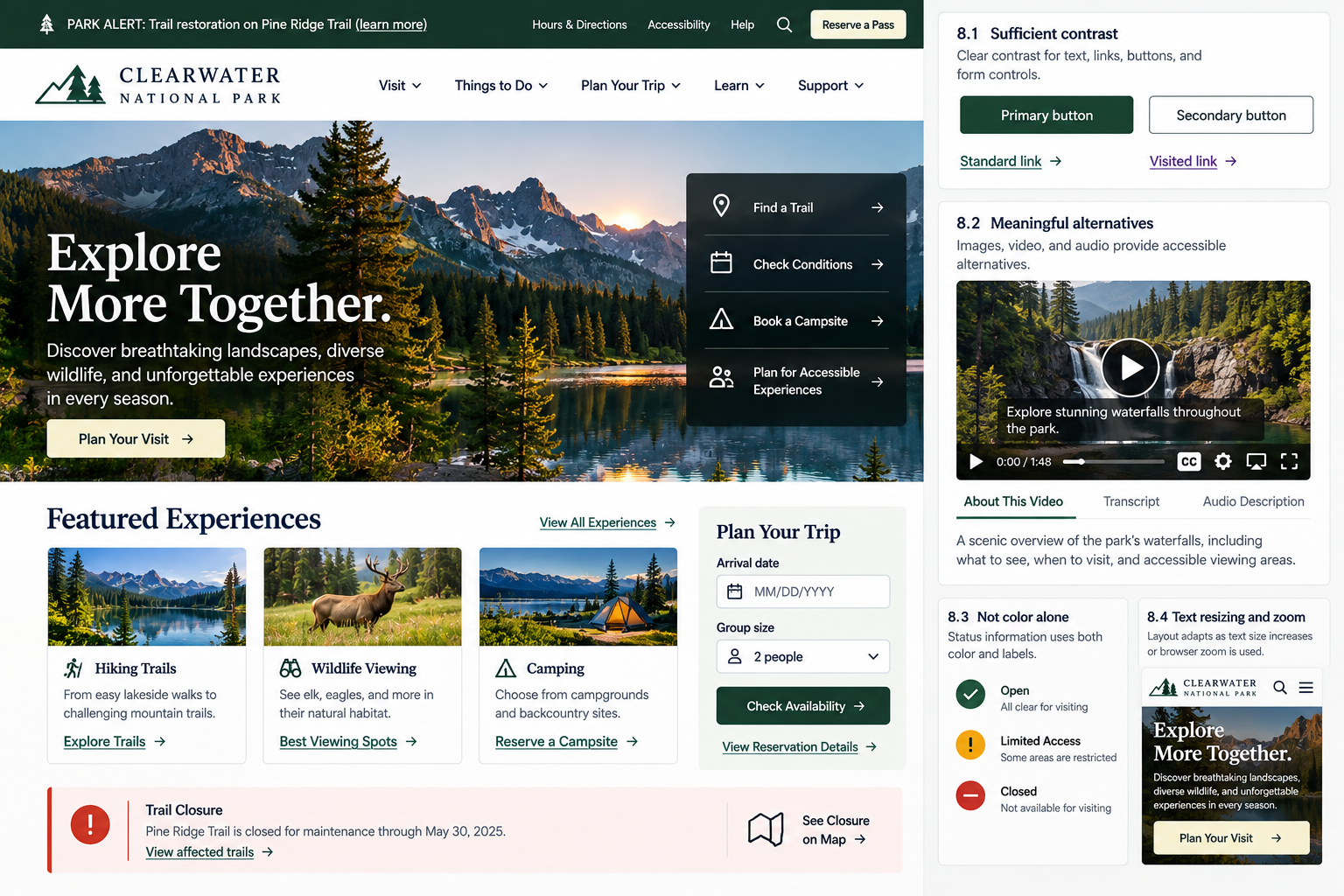
  • Screenshot of the Clearwater National Park website featuring a scenic landscape with mountains, a lake, and trees during sunset or sunrise. The page offers options for exploring trails, wildlife viewing, camping, and planning a trip, with a featured video showcasing waterfalls.

    Website Accessibility: Can Visitors Access Your Important Content?

    Recognize common barriers that can prevent people with visual, auditory, and other disabilities from accessing important website content.

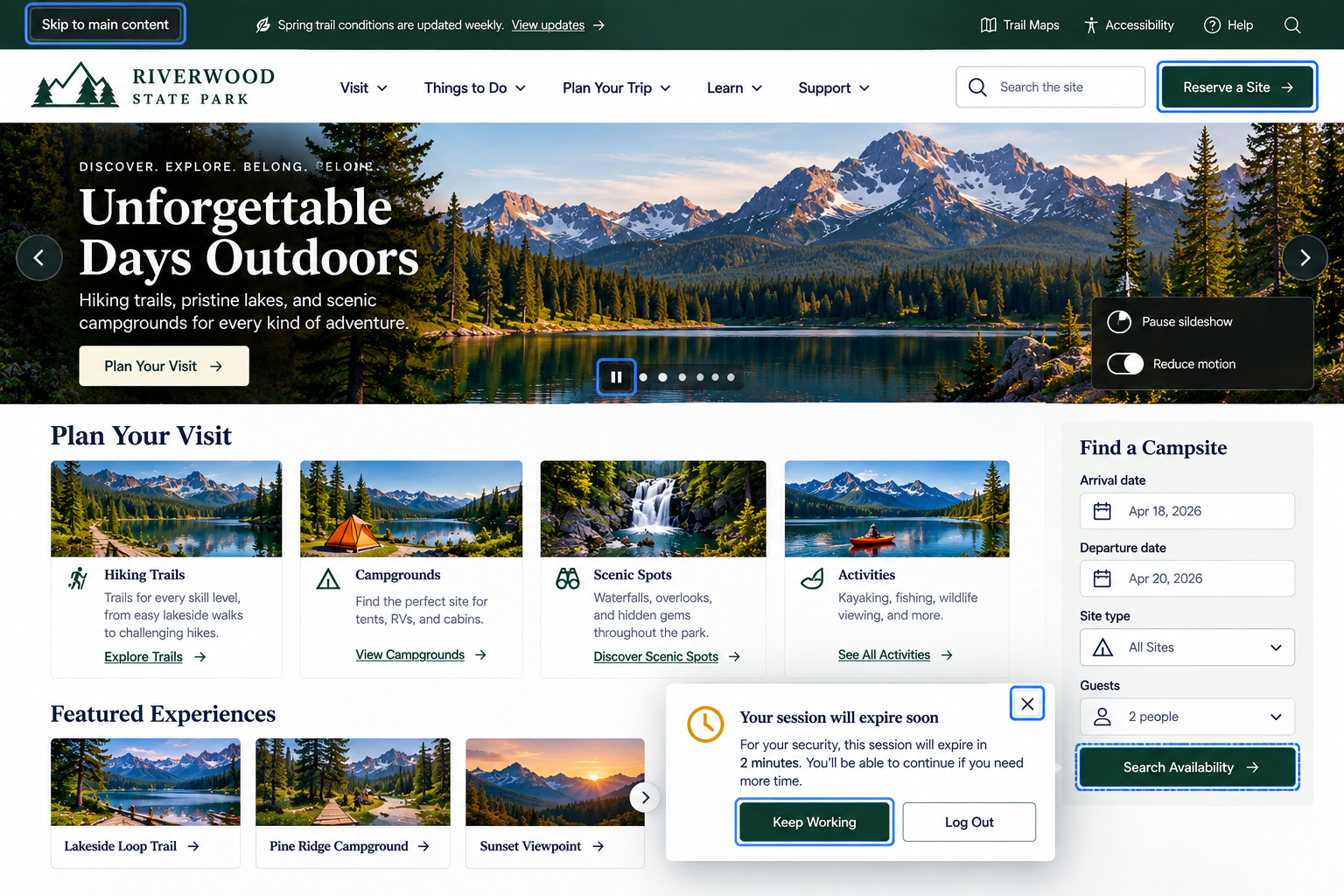
  • Screenshot of the Riverwood State Park website homepage featuring a scenic mountain landscape with snow-capped peaks, trees, and a lake, along with navigation options and information about visiting, camping, and activities.

    Keyboard Accessibility: Can Visitors Use Your Website Without a Mouse?

    Recognize whether important website functionality depends unnecessarily on a particular method of interaction.

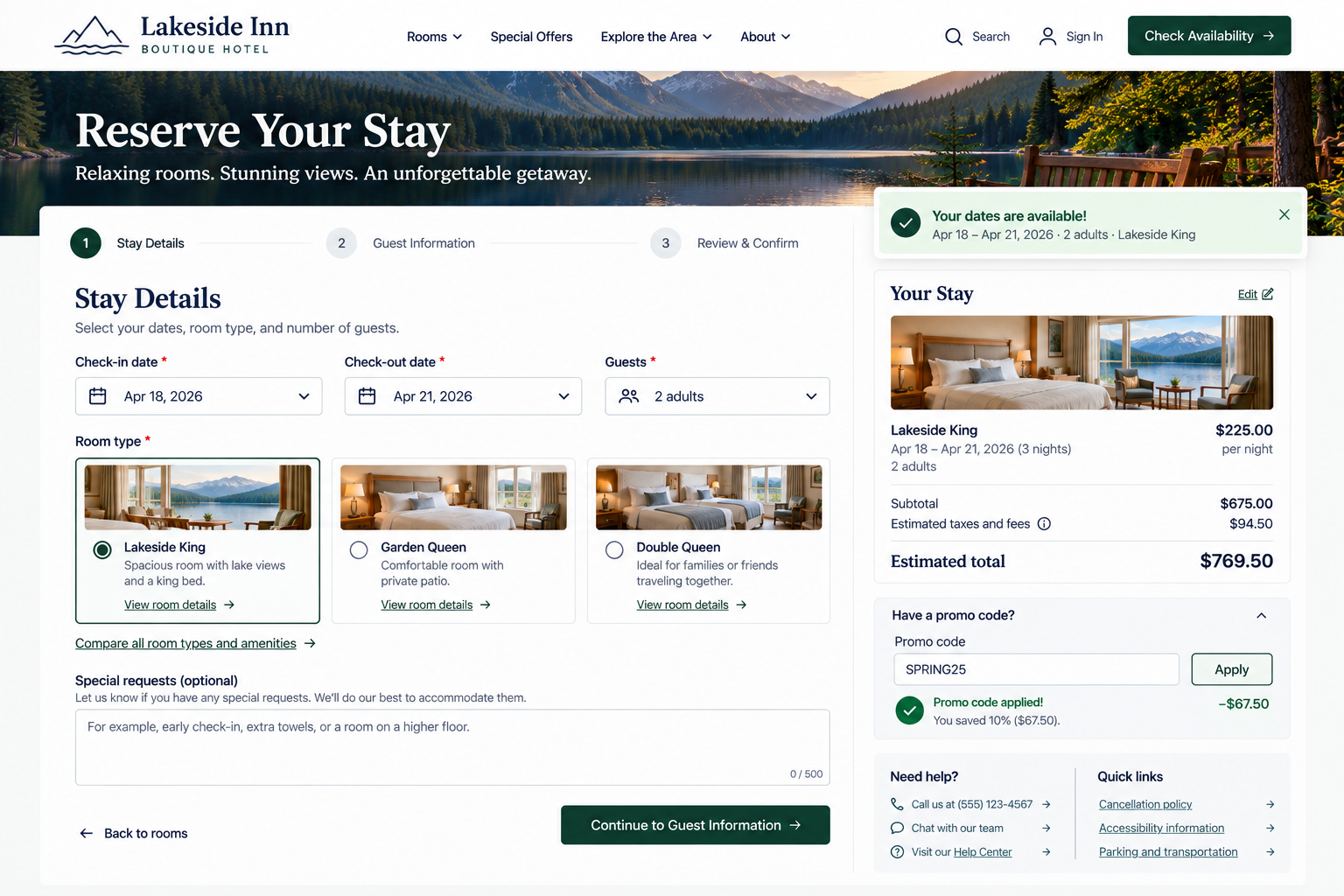
  • Online hotel reservation webpage for Lakeside Inn Boutique Hotel, showing room selection for Lakeside King room with lake views, booking dates from April 18 to April 21, 2026, with a total cost of $769.50 after applying a promo code SPRING25.

    Website Accessibility: Is Your Site Understandable With Assistive Technology?

    Understand how structure, labels, instructions, controls, and feedback need to communicate meaning beyond visual appearance alone.

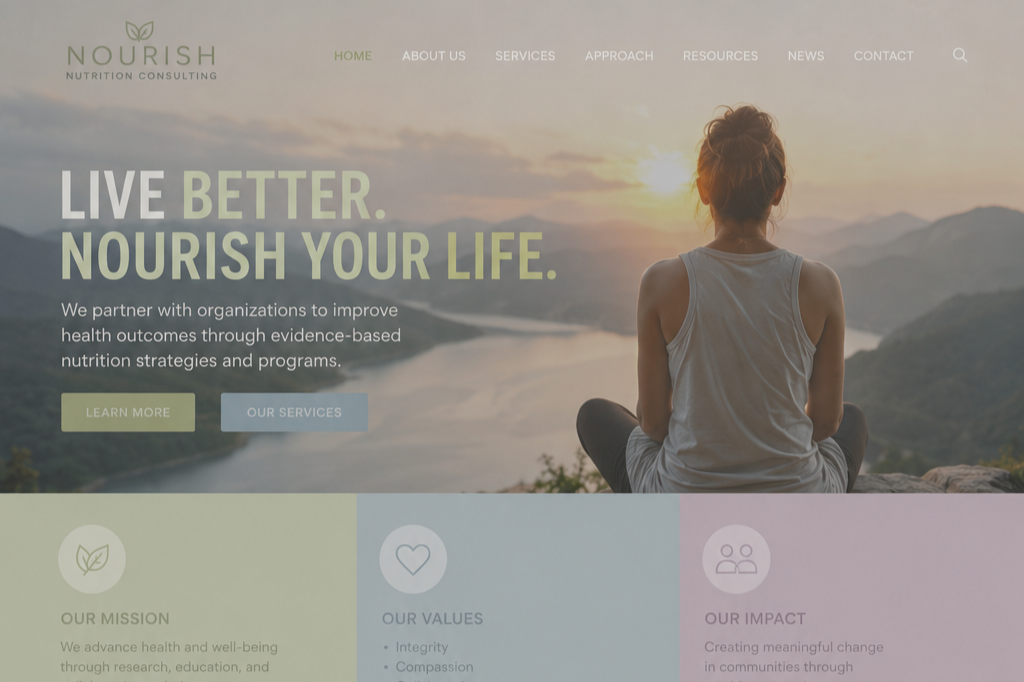
  • A woman sitting cross-legged on a mountain overlook, watching the sunset over a river and mountains, with a website overlay promoting health and nutrition consulting.

    Ensure sufficient text and interface contrast for a More Readable Website

    A great website doesn't just look good. It makes reading and interacting feel effortless in every environment.

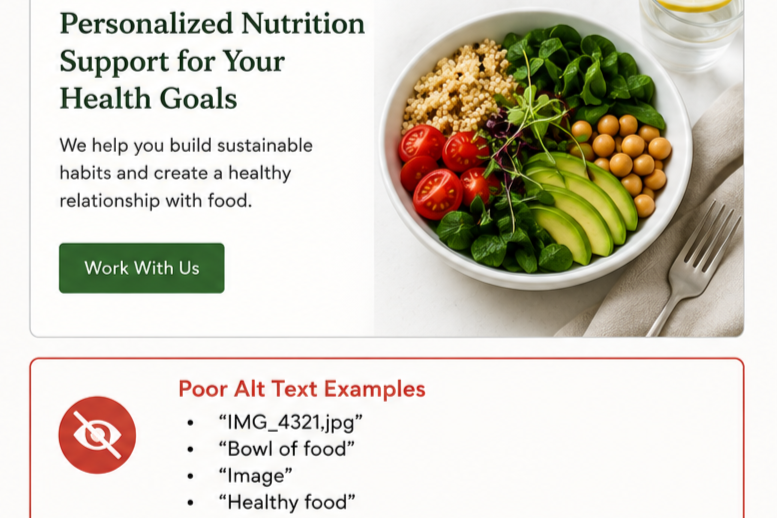
  • A bowl of various fresh vegetables and grains, including cherry tomatoes, spinach, avocado slices, chickpeas, and quinoa, placed on a light-colored surface with a fork, a glass of water, and a napkin nearby, alongside text about personalized nutrition support.

    Provide Meaningful Alternatives For Visual, Audio, and Video Content

    Images, audio, and video should remain understandable even when visitors cannot see or hear them.

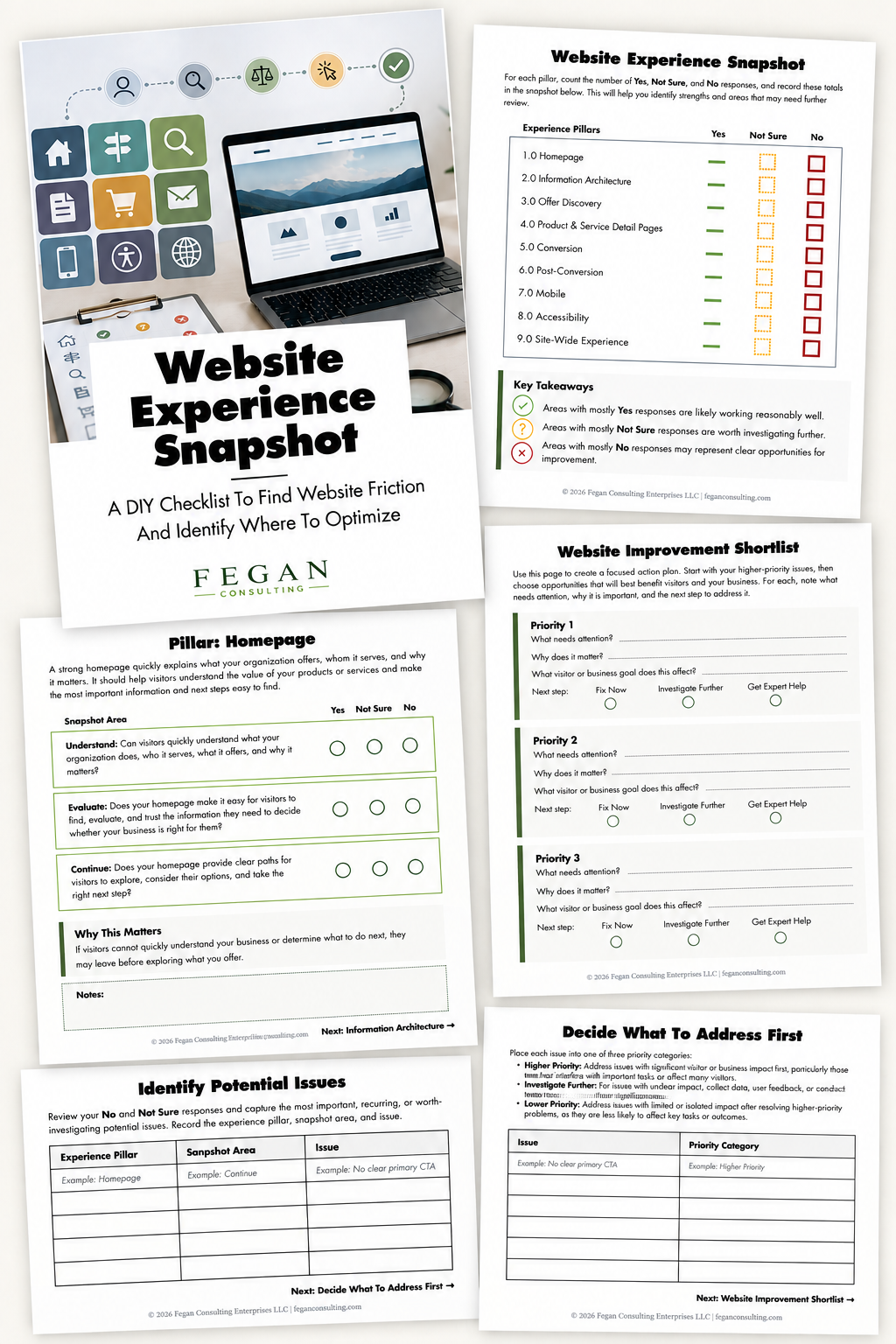
  • Collection of printed sheets and a laptop computer displaying a landscape image, outlining a website experience audit for Fegan Consulting. The sheets include checklists, analysis tools, and a coordinator for website improvement.

    Free Resource: Website Experience Snapshot

    Check out this free resource that helps you evaluate 27 questions across nine areas of your website—from your homepage and navigation to conversion, mobile, accessibility, and the overall site experience.