Offer Discovery
Can visitors find and explore the products or services that are relevant to their needs?
-
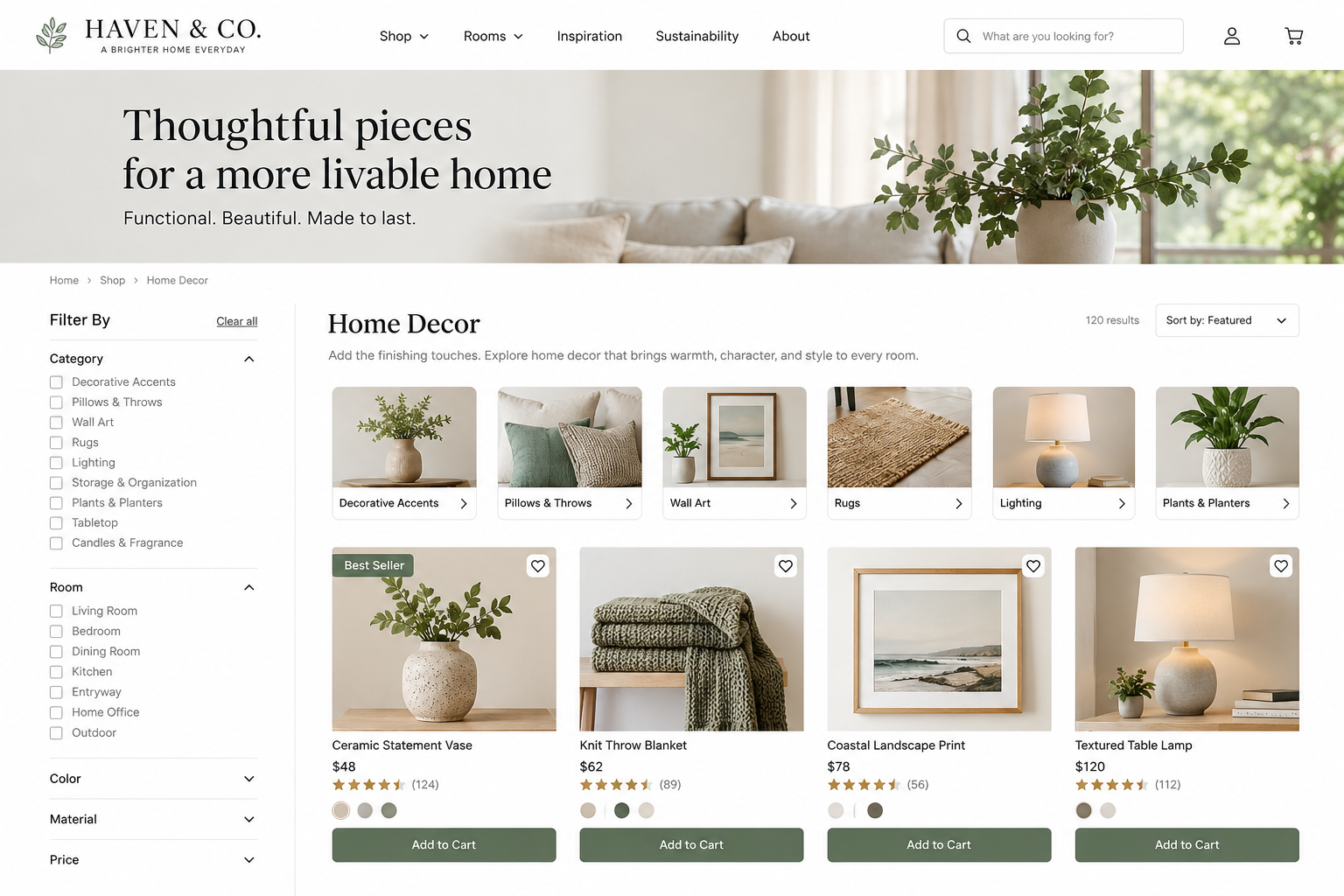
Offer Discovery UX Best Practices: How to Help Visitors Find the Right Product or Service
Visitors should be able to find relevant products or services—even when they do not know exactly what they need, what you call it, or where to begin.
-
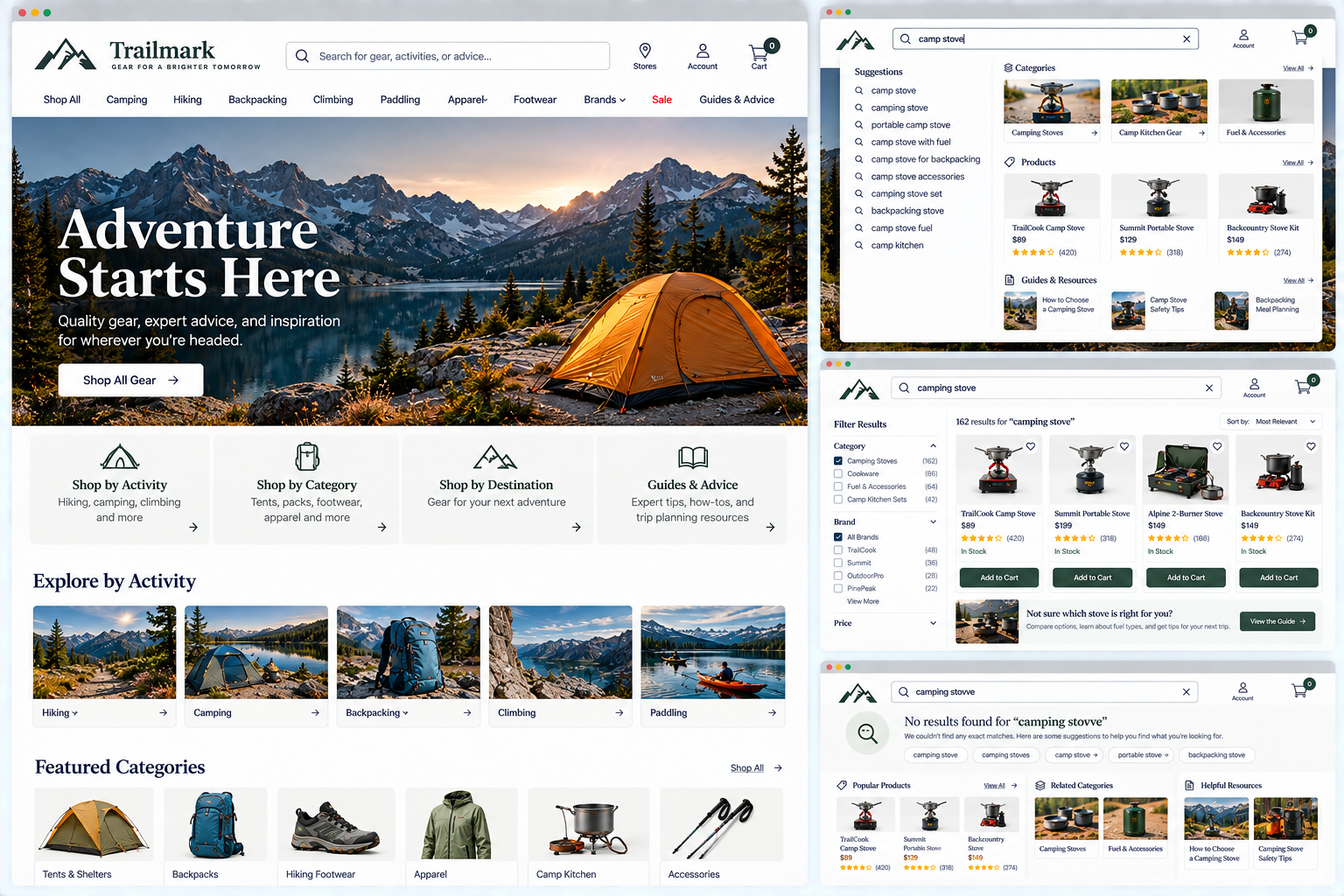
Product & service Discovery: How to Help Visitors Find Products and Services on Your Website
Evaluate whether their website gives visitors appropriate ways to discover relevant offerings based on different levels of knowledge and intent.
-
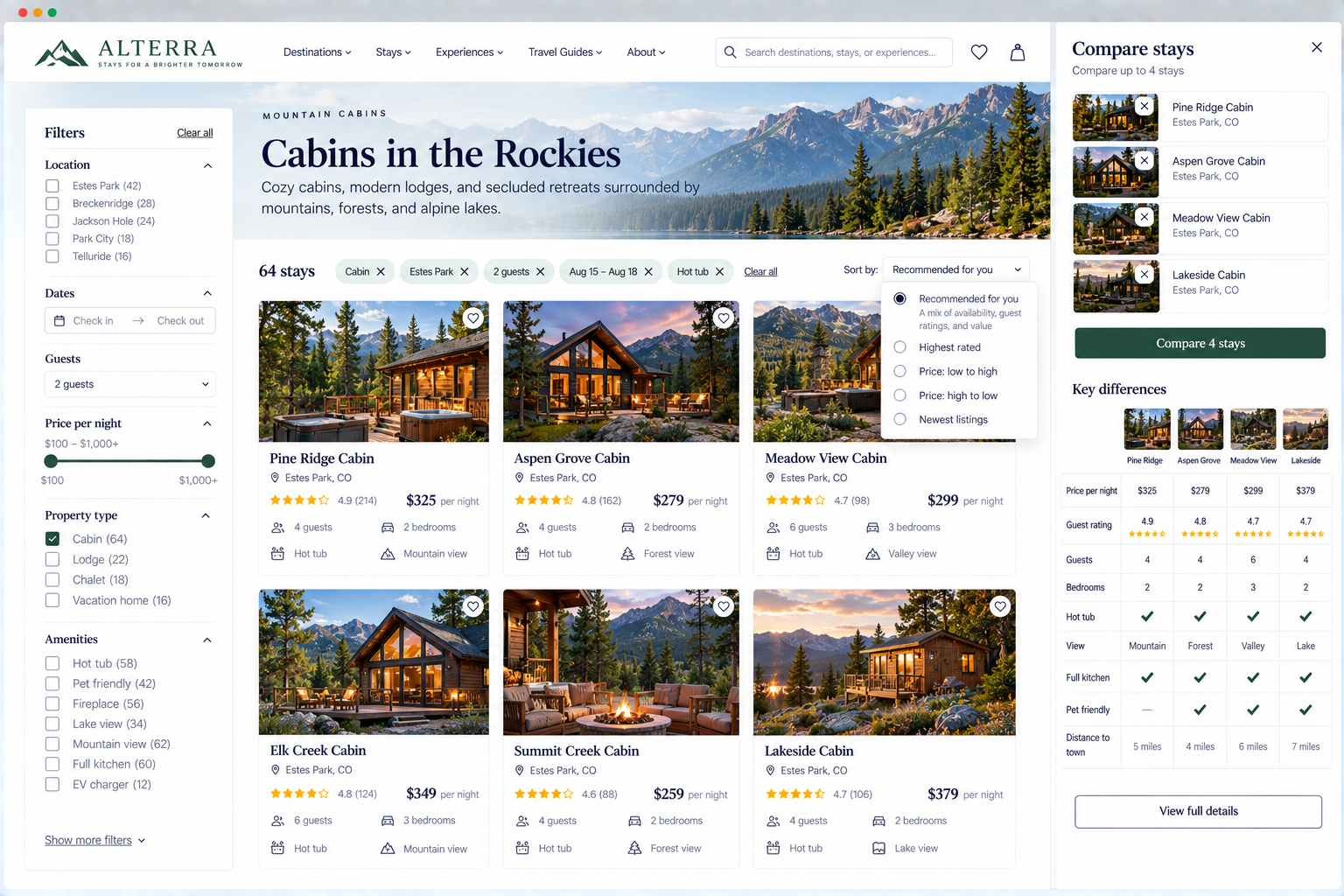
Product & service Filtering: Help Visitors Narrow Down Their Options
Evaluate whether your listing and discovery experience helps visitors efficiently reduce a set of possibilities to the options most relevant to their needs.
-
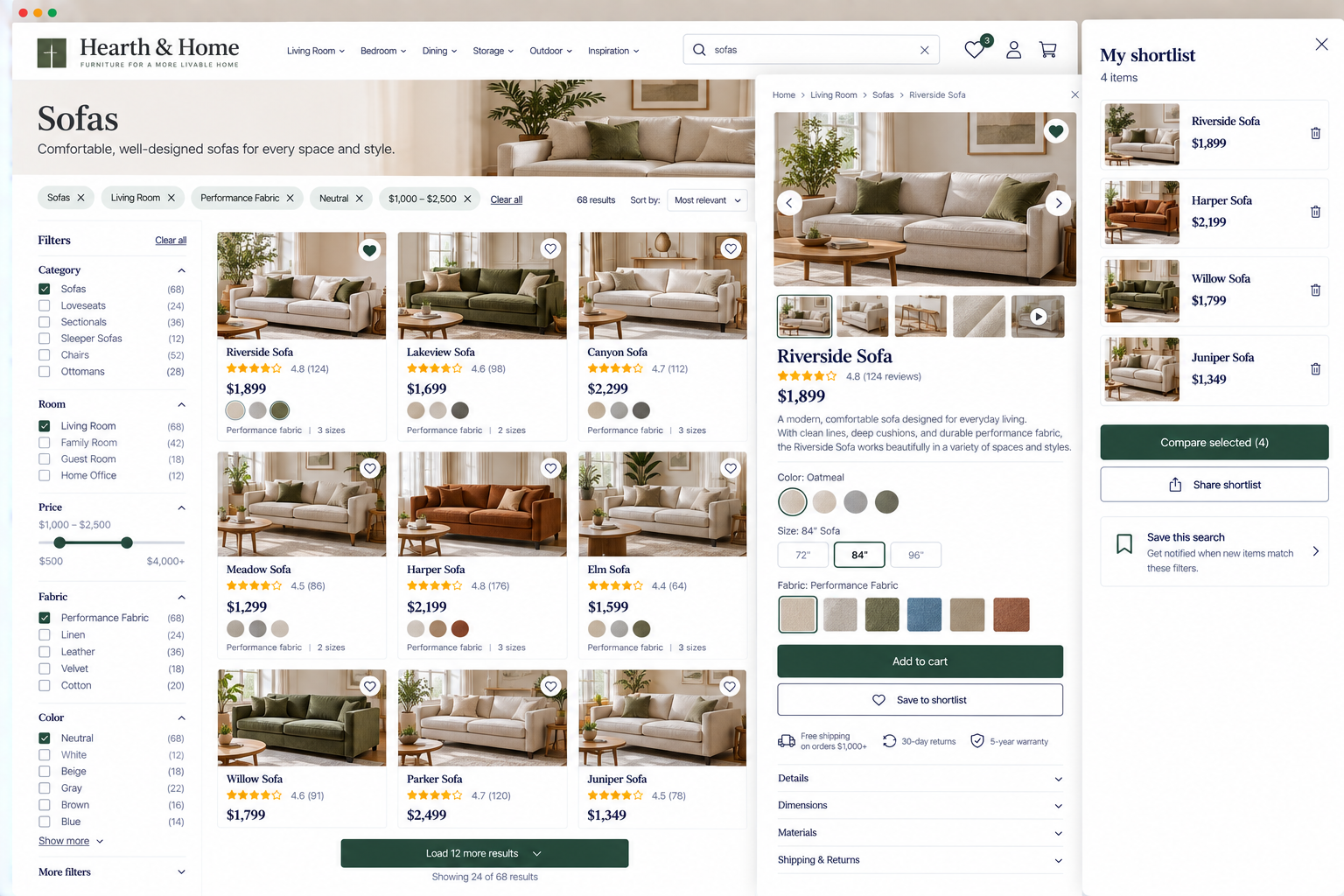
Product & Service Browsing UX: Make It Easy to Explore Different Options
Evaluate whether your website preserves the context visitors need while moving among options and refining their choices.
-
Provide More Than One Effective Discovery Path To improve findability
By supporting multiple ways to explore, compare, and learn, the strongest websites make it easier for visitors to find the solution that's right for them.
-
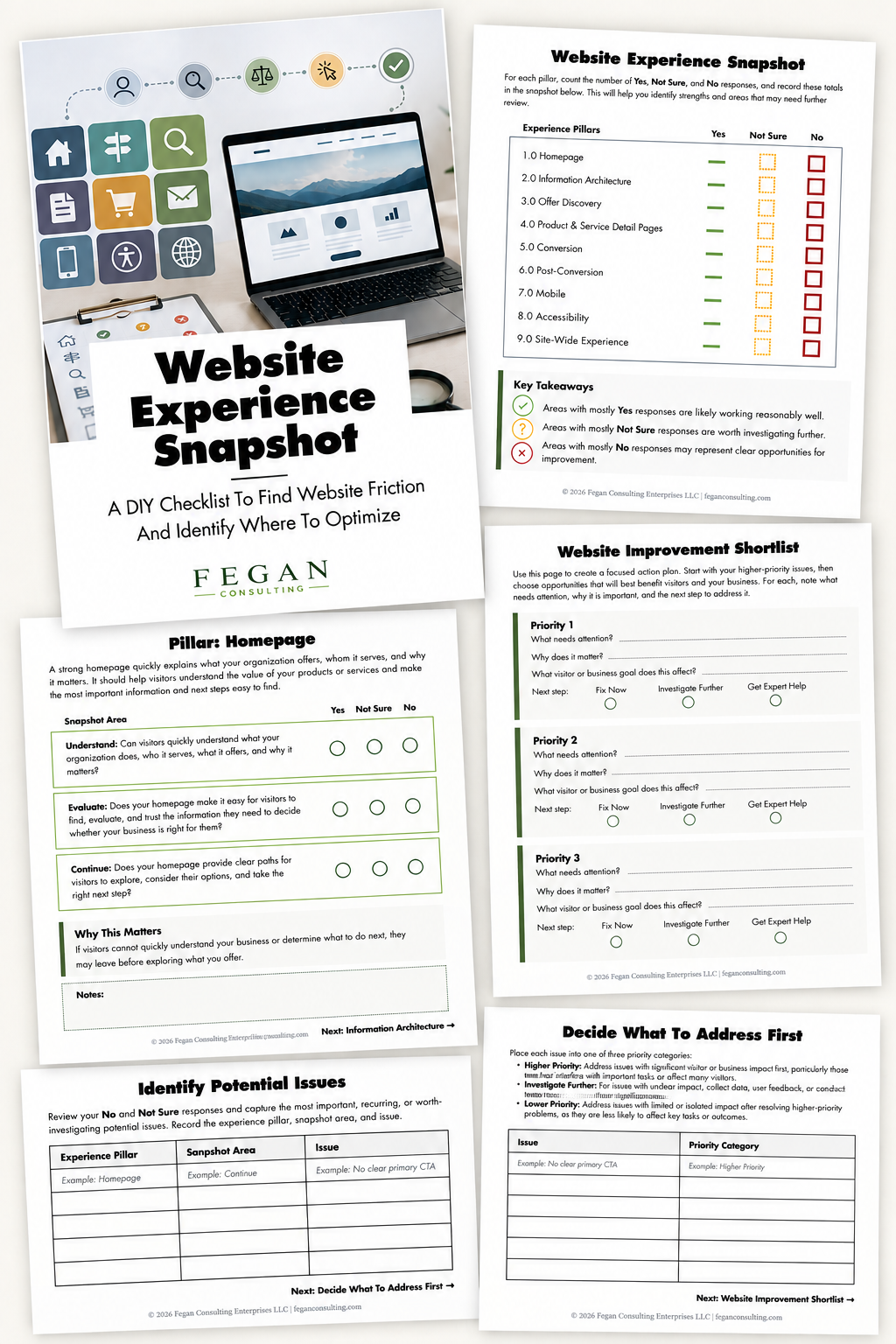
Free Resource: Website Experience Snapshot
Check out this free resource that helps you evaluate 27 questions across nine areas of your website—from your homepage and navigation to conversion, mobile, accessibility, and the overall site experience.