Product & Service Detail Pages
Can visitors understand and evaluate a specific product or service well enough to make a confident decision?
-
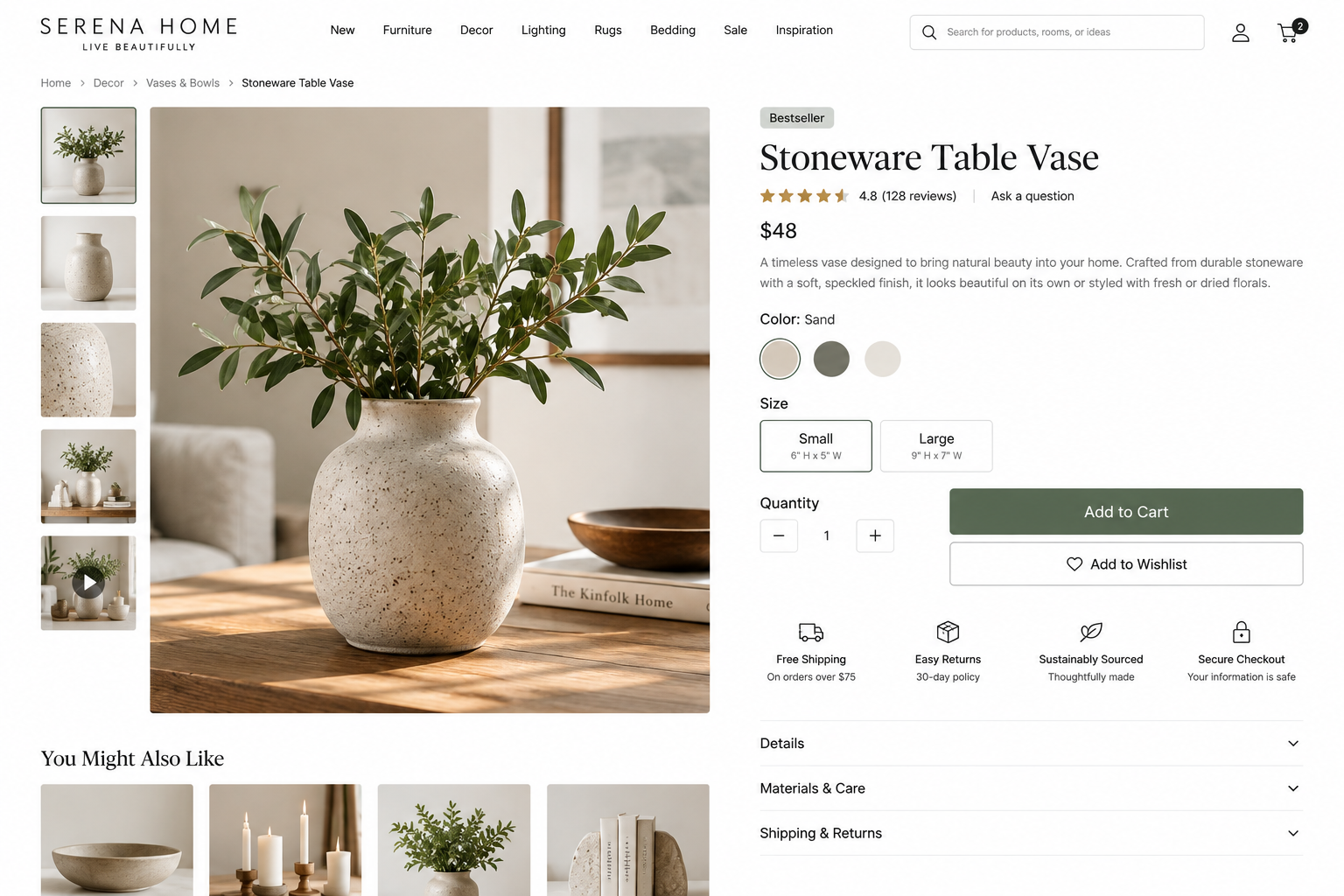
Product & Service Detail Page UX Best Practices: Enable Visitors to Evaluate Your Offerings
Visitors should quickly understand what the offering is, whether it meets their needs, its cost, what to expect, and the next steps.
-
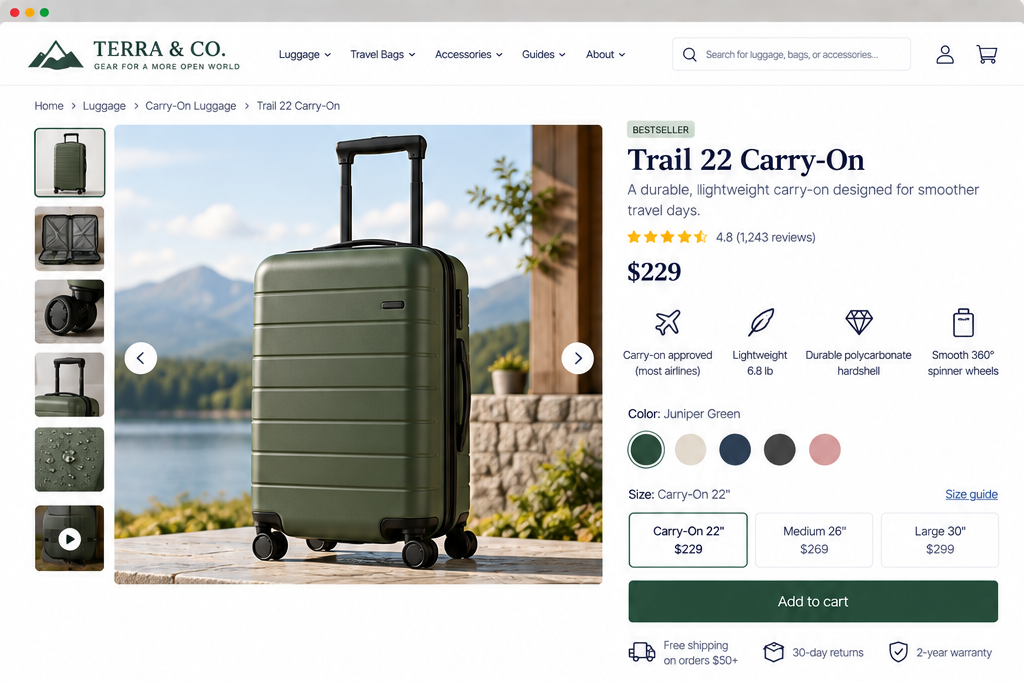
Product & Service Detail Pages: Help Visitors Understand What You Offer
Evaluate whether an individual product or service page gives visitors a clear and accurate understanding of the offering.
-
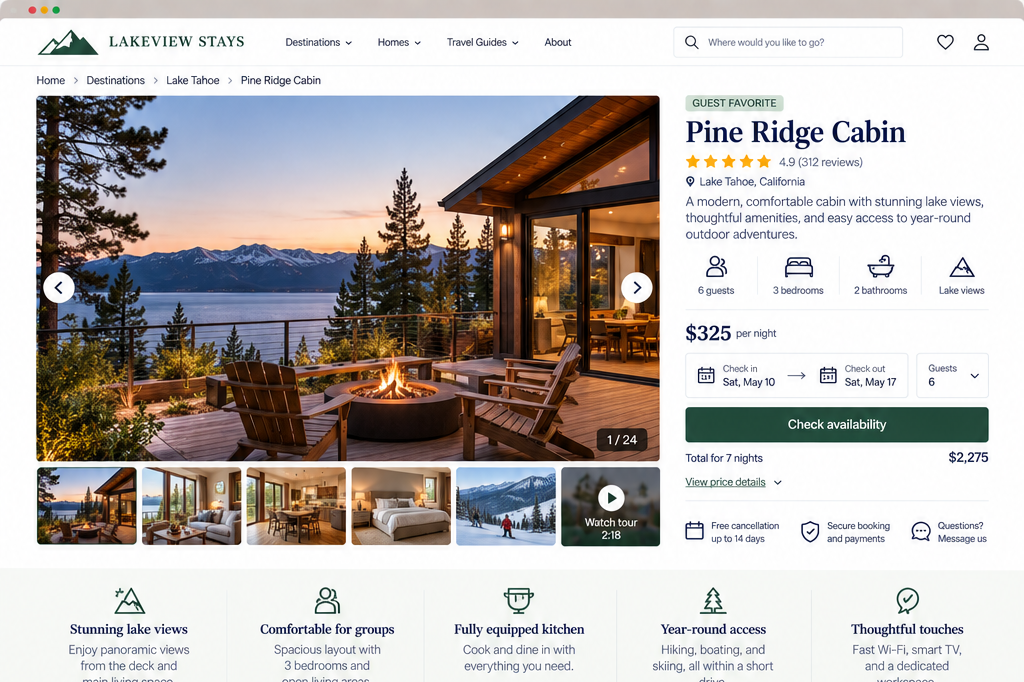
Product & Service Detail Pages: What Information Do Visitors Need?
Evaluate whether your product or service pages provide sufficient practical information and credible evidence for visitors to assess an offering.
-
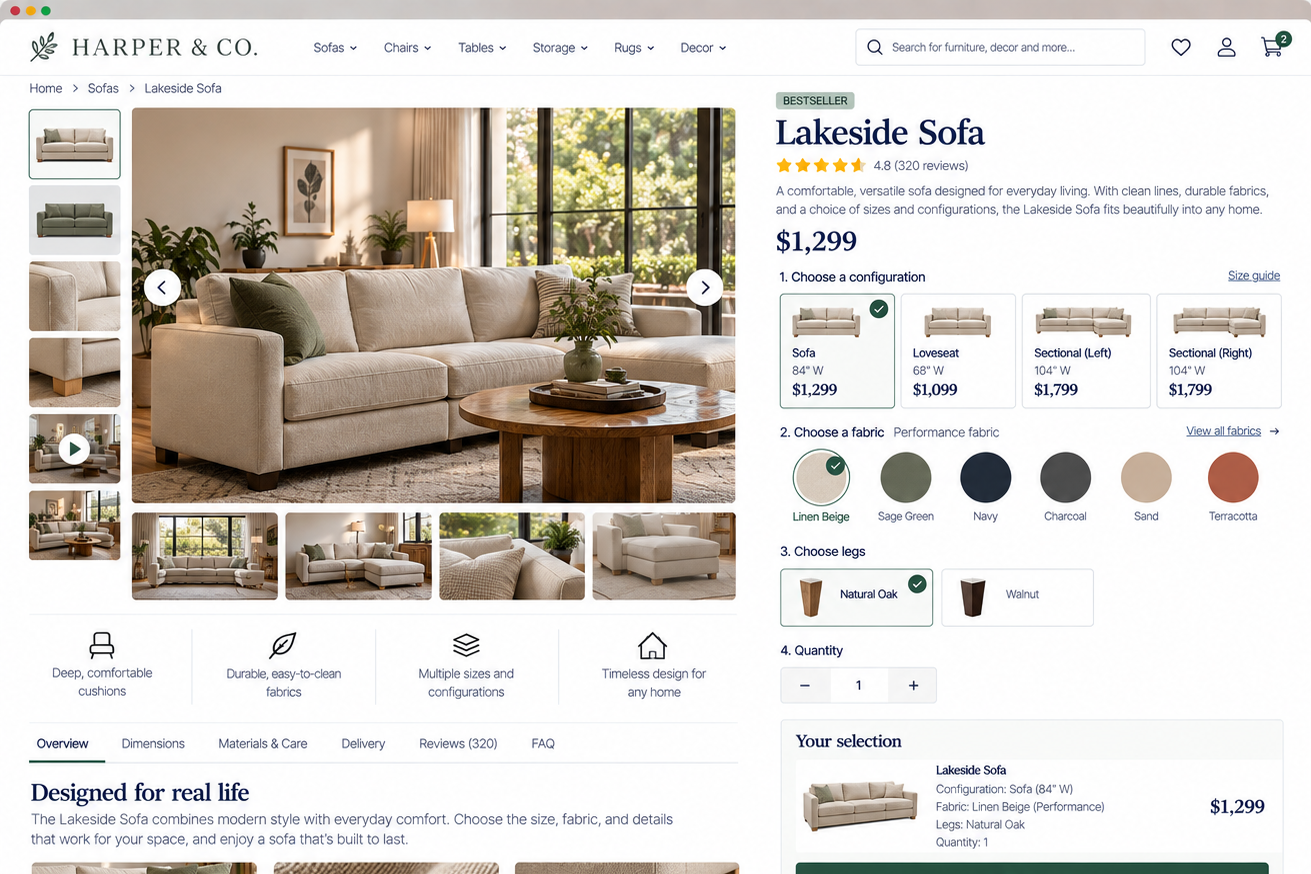
Product & Service Detail Pages: Make the Next Step Clear
Evaluate whether your product and service detail pages help visitors make necessary choices and confidently begin the appropriate next step.
-
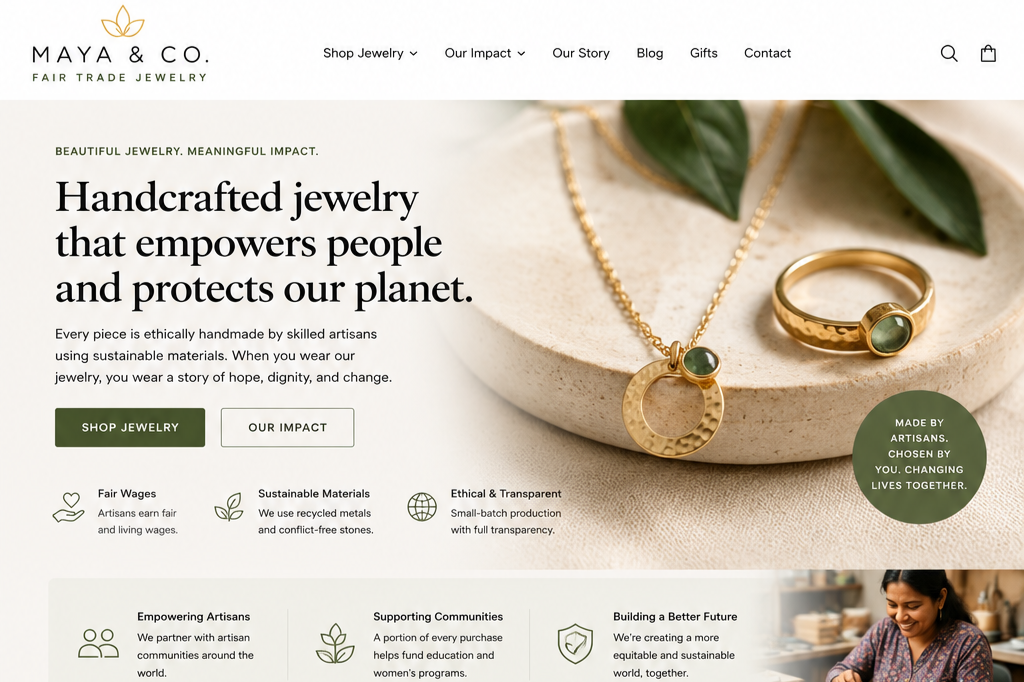
Clearly Communicate Your Offering, Its Value, And What Differentiates It
When your page clearly explains what you provide and why it matters, you make it easier for the right people to recognize they've found the right solution.
-
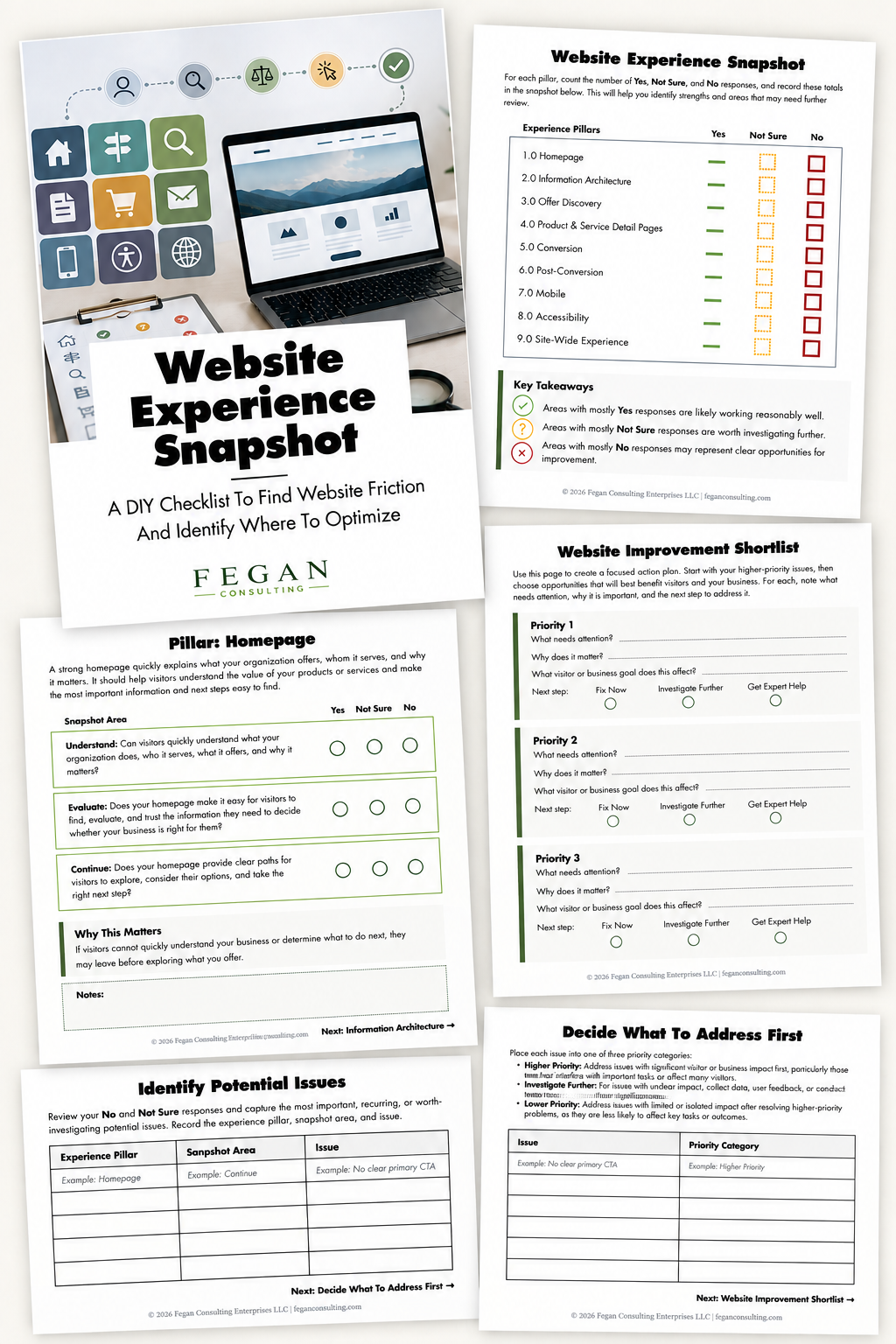
Free Resource: Website Experience Snapshot
Check out this free resource that helps you evaluate 27 questions across nine areas of your website—from your homepage and navigation to conversion, mobile, accessibility, and the overall site experience.