Post-Conversion Experience
After taking action, do visitors understand what happened, what comes next, and how to get help?
-
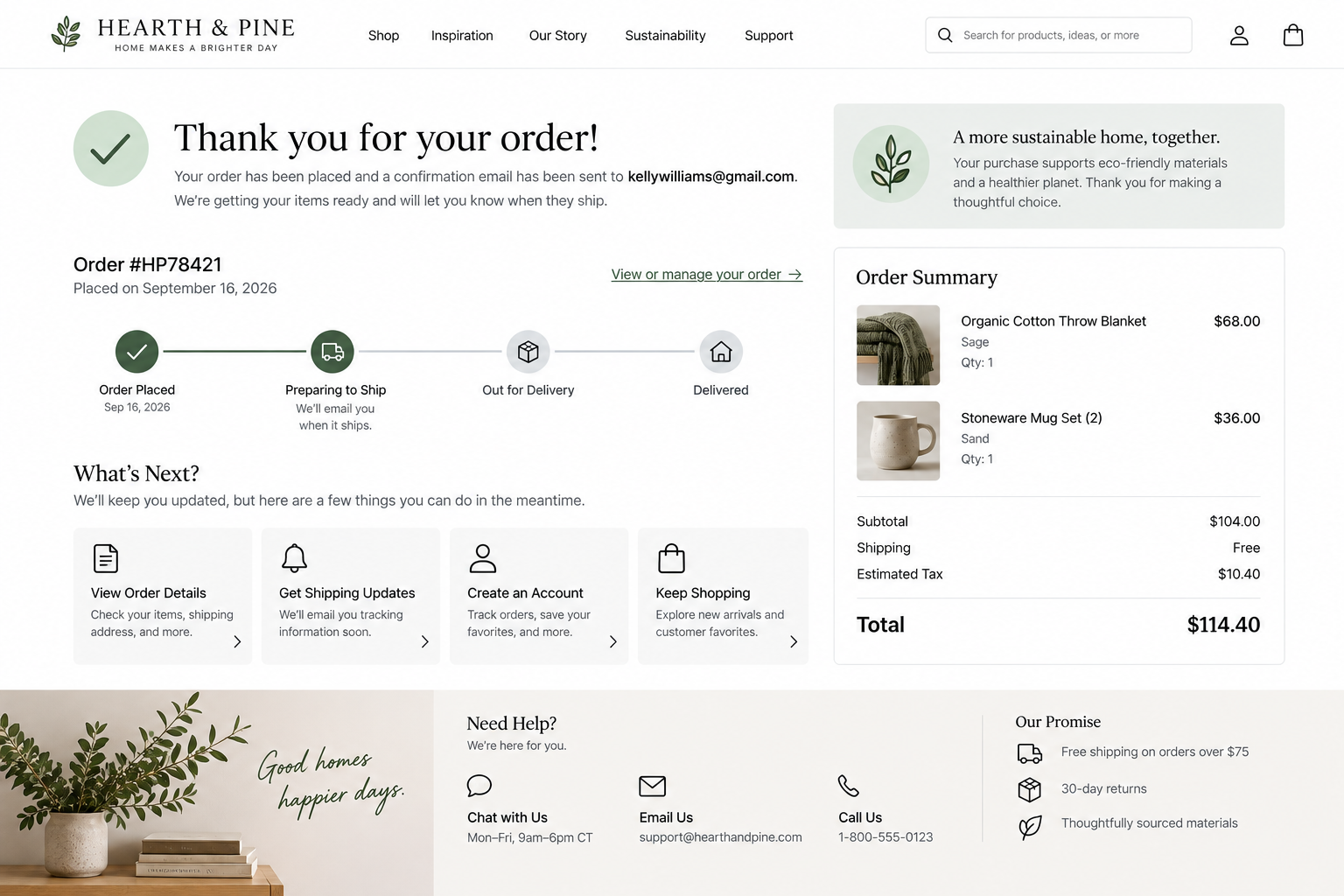
Post-Conversion UX Best Practices: Help Customers Understand What Happens Next
After completing an action, customers should know it was successful, understand what happens next, and know where to find help if needed.
-
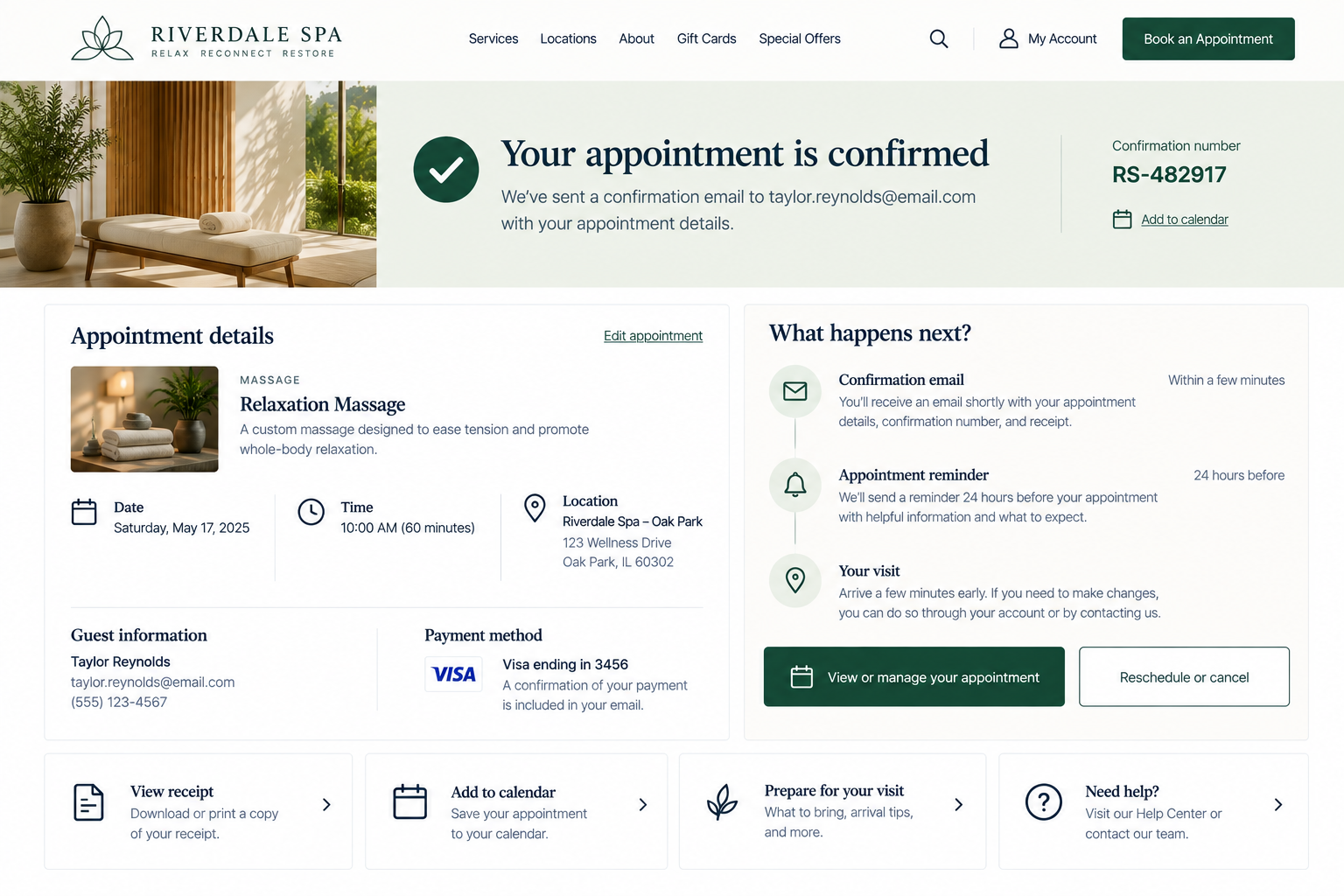
Confirmation Page UX: What Should Happen After a Conversion?
Evaluate whether your website experience clearly closes the conversion loop and gives customers the information they need immediately after completion.
-
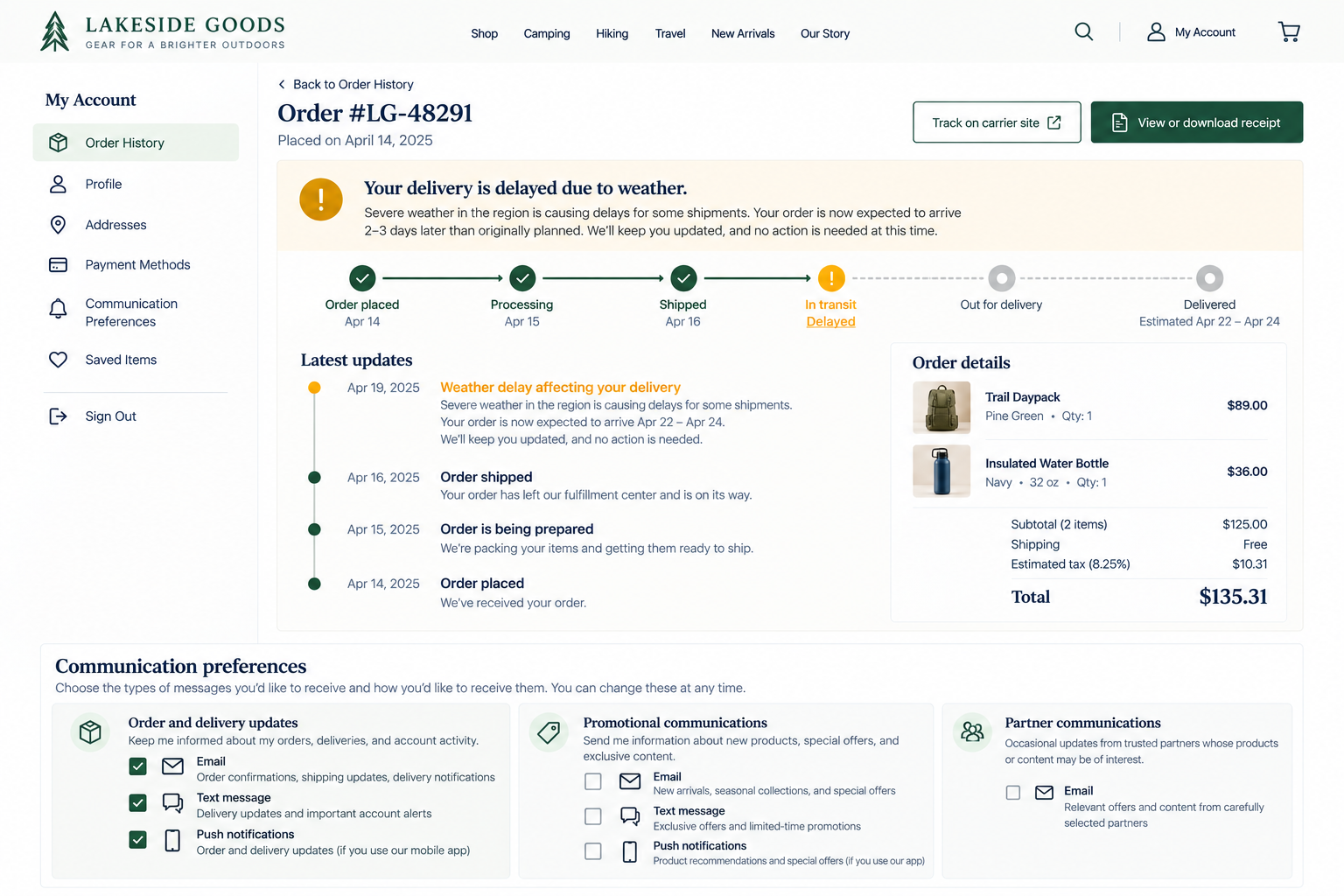
Post-Conversion Communication: Keep Customers Informed
Evaluate if your post-conversion communications provide useful information at meaningful moments without overwhelming customers or disregarding their preferences.
-
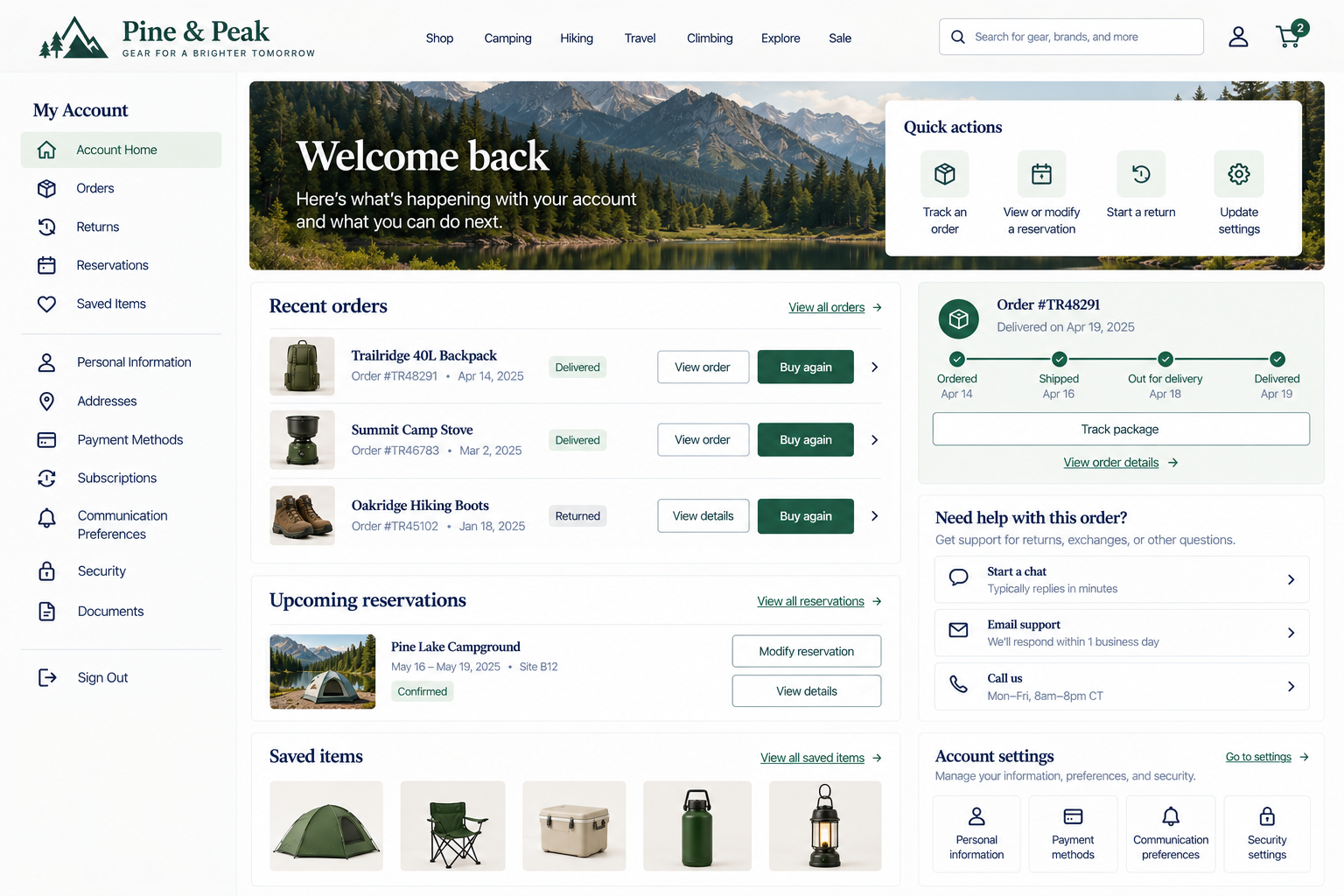
Self-Service UX: Help Customers Manage What Happens Next
Evaluate whether customers can independently manage common post-conversion needs and access help when self-service isn't enough.
-
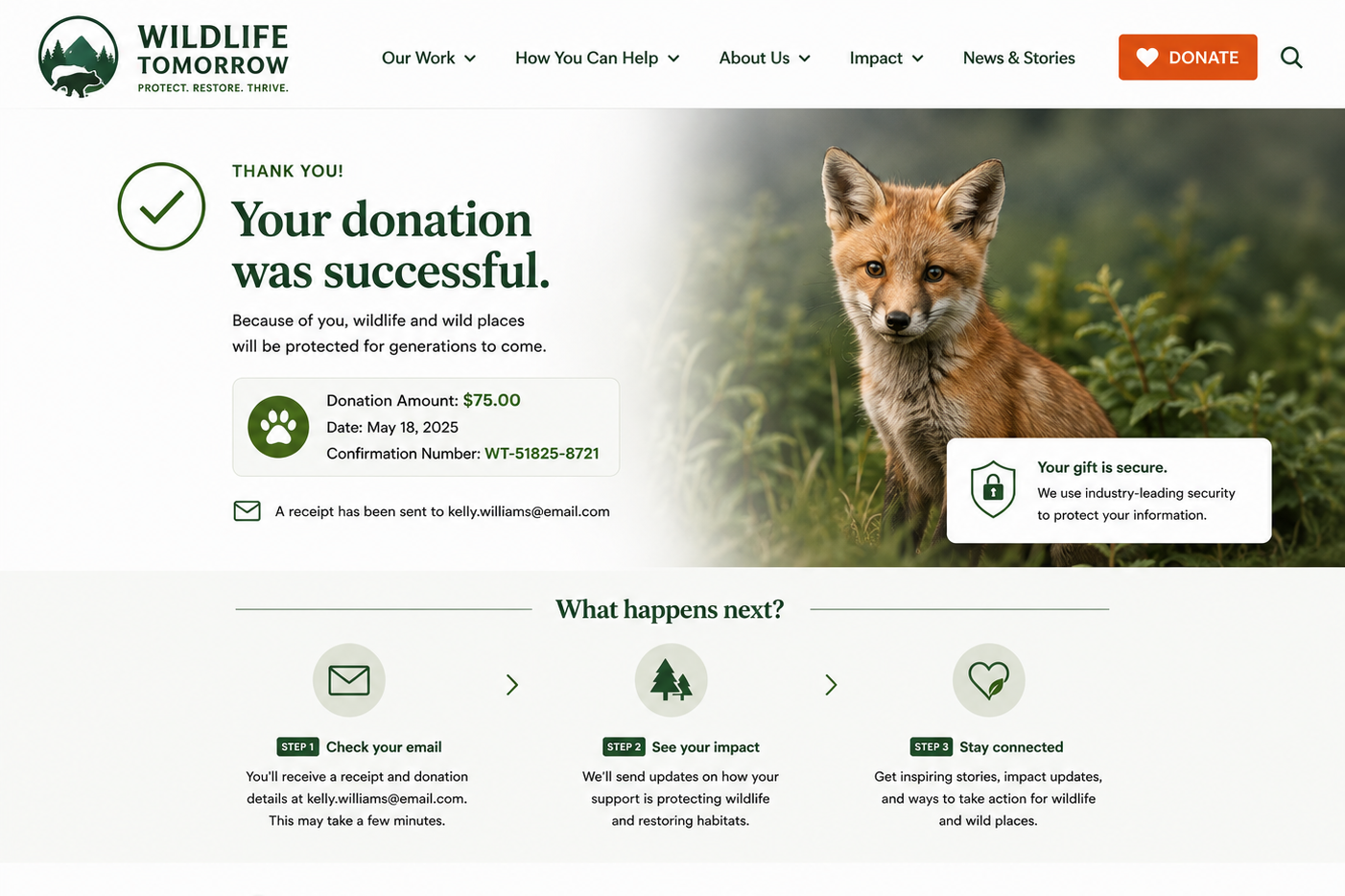
Clearly Confirm Completion And Provide A Useful Summary
When visitors feel confident rather than uncertain, they're more likely to trust your organization, take the next step, and return in the future.
-
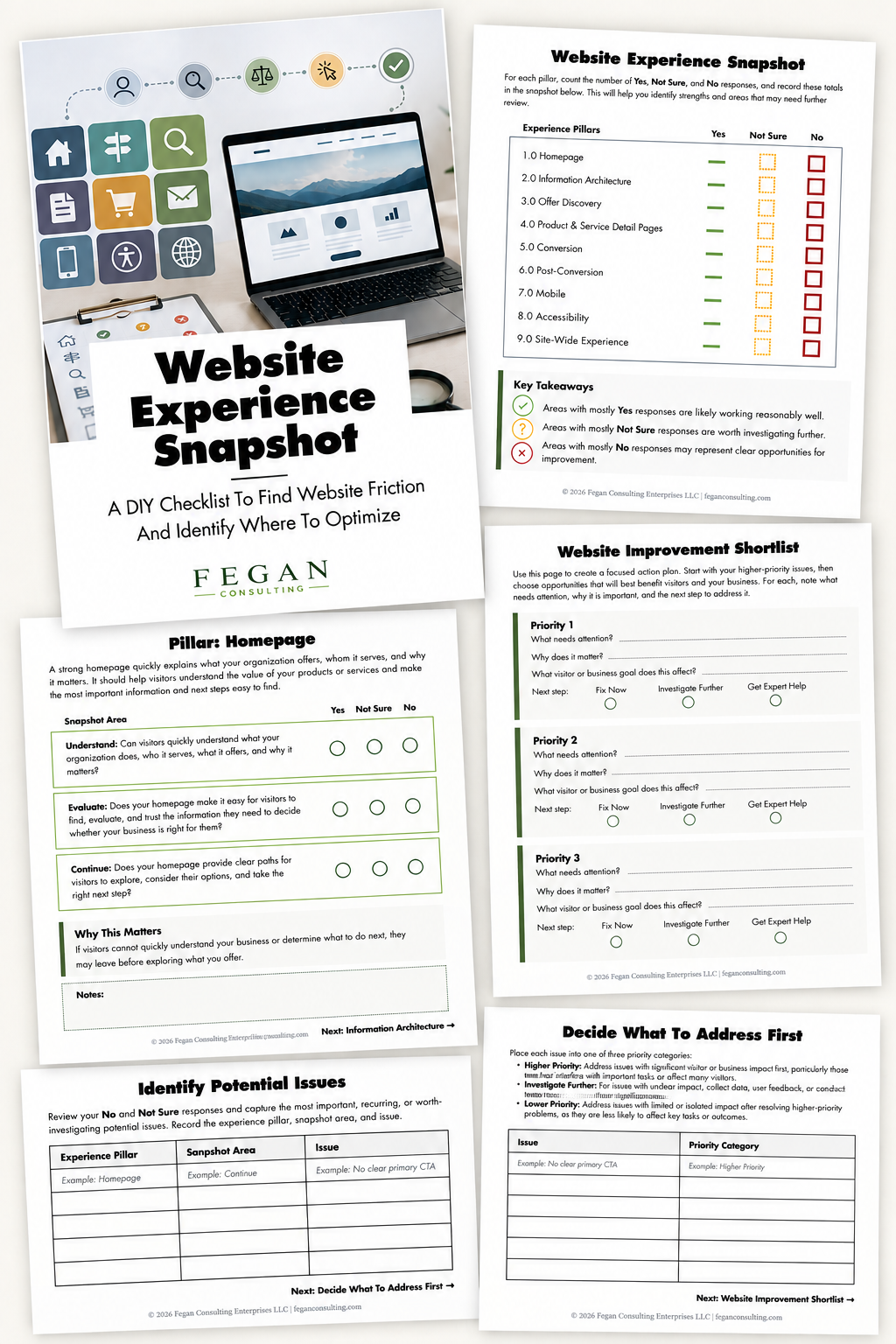
Free Resource: Website Experience Snapshot
Check out this free resource that helps you evaluate 27 questions across nine areas of your website—from your homepage and navigation to conversion, mobile, accessibility, and the overall site experience.